
Transform Any Quote Into Structured Data in Seconds.
A solution for sales teams, procurement professionals, and finance departments who need to extract accurate data from quotes, price quotations, and estimates at scale.
- Ready to use extraction schema that you can adjust to your needs
- Top accuracy with human in the loop workflow
- Secure data processing
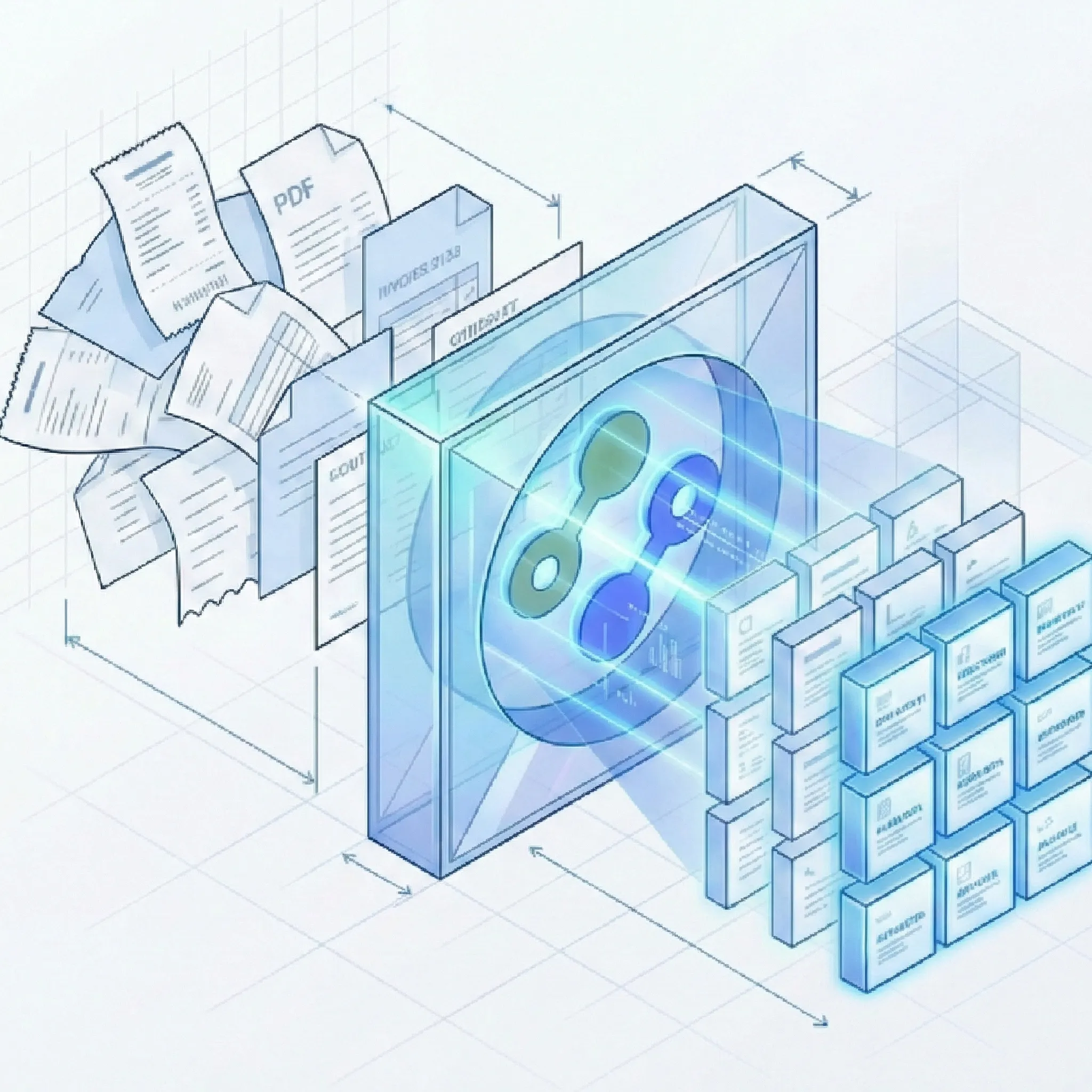
Reduce Quote Processing Time from Hours to Minutes.
The Complete Quote Data Capture Platform
Suparse platform handles extraction of sales quotes and price quotations, so you can automate your processes.
Quote Extraction
- Trained AI: Understands any quote layout from any vendor or customer. Fully customizable for your specific needs.
- All Document Types: Process native PDFs, scanned quotes and photos.
- Complete Line Item Capture: Extracts product descriptions, SKUs, quantities, unit prices, discounts, and extended totals from multi-page tables.
- Fully Configurable: Use the model to process quotes, add additional fields to capture data specific to your sales processes.
Data Quality
- Essential Field Recognition: We extract quote numbers, dates, validity periods, customer details, terms, conditions, and tax information.
- Automated Validation: Built-in checks verify totals match sum of line items.
- Multi-Language Support: Process quotes in 100+ languages including Chinese, Arabic, Cyrillic, Japanese and more.
Workflow Integration
- Export Options: Download extracted data as Excel (.xlsx), Google Sheets, CSV, or JSON for analysis or import into your systems.
- Google Sheets Integration: Seamlessly connect and export quote data directly to Google Sheets for real-time collaboration and automated workflows.
- Bulk Processing: Upload hundreds of quotes at once and export to a single unified Excel file or Google Sheets for comparison.
- API: Integrate quote extraction into your CRM, ERP, or custom applications with our REST API. For complete procurement workflows, our purchase order extraction integrates seamlessly.
- Human-in-the-Loop Verification: Review, edit, and validate extracted data before export.
How It Works
Fast and simple out of the box with powerful customization options when you need them.
Ready to Streamline Your Quote Processing?
Stop wasting time on manual data entry. Sign up in 30 seconds and get 50 free pages to experience automated quote extraction.
Start Extracting Quotes for FreeFrequently Asked Questions
What types of quotes can Suparse process?
Suparse can process sales quotes, price quotations, estimates and other document types for which you can freely create and edit extraction schemas.
What data fields can be extracted from quotes?
Our system extracts essential quote data including: quote number, date, validity period, customer and vendor information, line items (description, SKU, quantity, unit price, discounts, totals), subtotals, taxes, shipping charges, grand totals, payment terms, delivery terms, and terms & conditions.
Do I need to create templates for each different quote format?
No. We provide a ready model for quotes that works instantly. However, unlike rigid solutions, Suparse allows you to modify and extend this model if you need to capture custom fields specific to your business.
Can Suparse extract line items from multi-page quotes?
Yes. Our table detection algorithm handles multi-page quotes with complex line item tables. We capture line items across all pages, maintaining the correct structure.
How does Suparse handle scanned or low-quality quote documents?
Our OCR technology handles imperfect documents. The human in the loop interface allows you to verify extraction results and correct if needed.
Can I compare multiple quotes from different suppliers?
Yes. You can upload quotes from multiple suppliers and export all the extracted data into a single unified Excel file or Google Sheets. This makes it easy to compare pricing, terms, and line items.
Do you offer an API for automated quote processing?
Yes. We provide a REST API that allows you to integrate quote extraction into your CRM, ERP, procurement system, or custom applications.
Is my quote data secure with Suparse?
Yes. We use enterprise-grade encryption for all data in transit and at rest. We never train our models on customer data. You can delete your documents at any time.
What formats can I export my extracted quote data to?
You can export extracted data in Excel (.xlsx), Google Sheets, CSV, or JSON formats. This allows you to import the data into your CRM, ERP, accounting software, or use it for analysis.
How can I convert quotes to Google Sheets?
With Suparse you can easily connect to Google Sheets, process your quotes, and export them all at once using our Google Sheets integration. Simply upload your documents, extract the data, and choose Google Sheets as your export destination for seamless workflow integration.
Can I use Suparse for both sales quotes and purchase quotes?
Yes. Our platform handles both quotes you send to customers (sales quotes) and quotes you receive from suppliers (vendor quotes or purchase quotations).