
Everything You Need to Get Useful Data From Your Documents
Suparse is a complete workspace to build extraction models, use Autopilot when the document type is unknown, verify data with your team, organize files, and automate the flow of information from PDFs and images to your systems.
- Extract data from any document type with AI Schema Generator
- 99%+ extraction accuracy
- Automatic splitting of multi-document PDF files
- Human-in-the-Loop verification interface at every step
- Configurable validation checks - totals, required fields
- Unified export to Excel / Google Sheets / CSV / JSON
- Autopilot extraction for unknown document types
- Search extracted values and organize documents in team folders
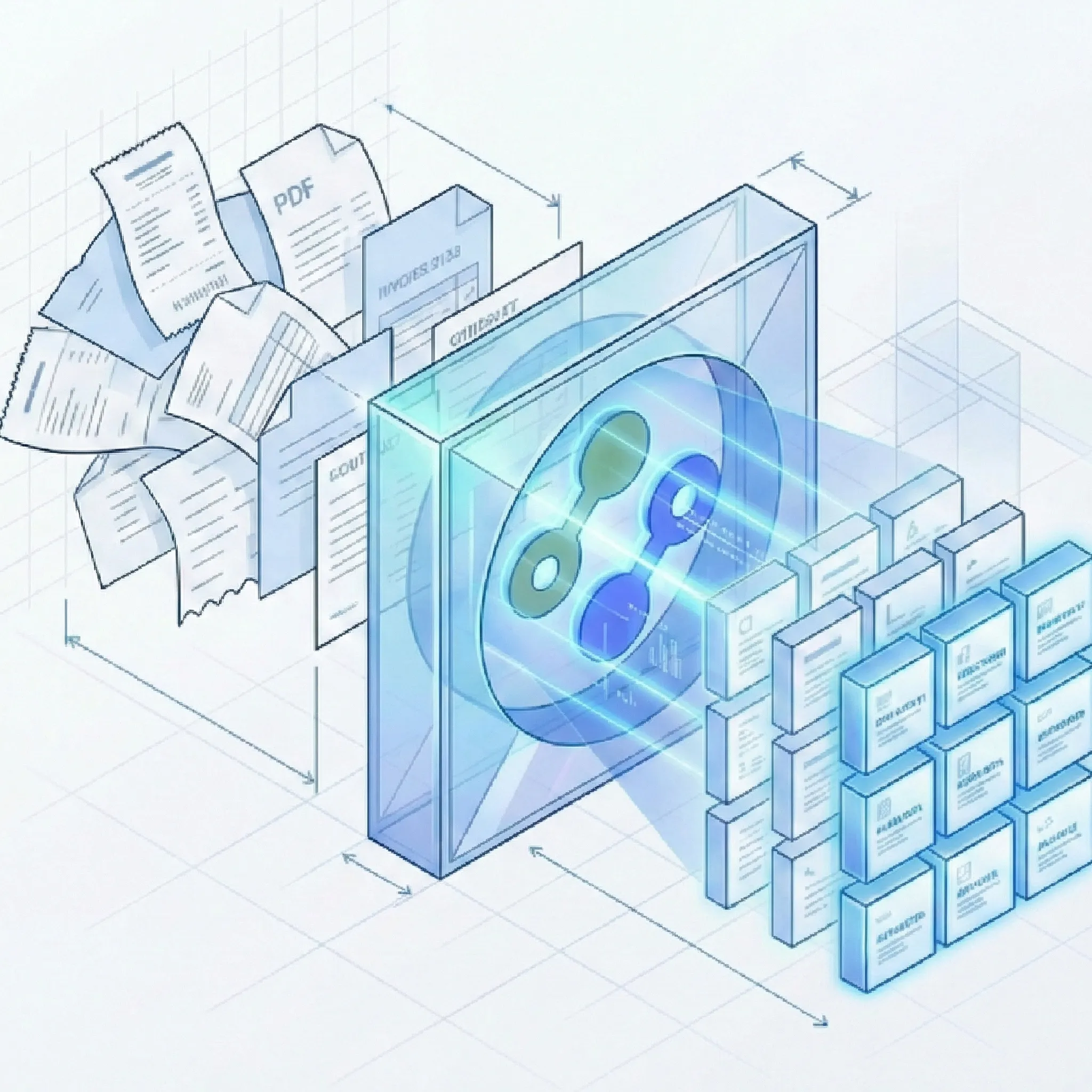
Stop Building Parsers. Start Using a Platform.
1. Define: Flexible Extraction Schema Building And Editing
Most IDP tools force you into rigid templates. Suparse offers three ways to define what data you want to extract.
Pre-Trained Models
- Zero Setup: Start instantly with our library of optimized models for Invoices, POs, AWBs, Bank Statements, and more.
- Standardized Output: Get normalized JSON schemas immediately without mapping fields manually.
Hybrid Customization
- Extend Standard Models: Take a pre-trained model (e.g., Invoice) and add specific fields like 'Project Code' or 'Cost Center'.
- Custom Validation: Add your own business logic rules on top of standard extraction fields.
AI Schema Generator
- Any Document Type: Upload a sample of a unique document. Our AI analyzes the visual layout and generates a bespoke extraction schema.
- Auto-Labeling: The AI suggests field names and types automatically, saving you hours of setup time.
2. Process: Different document types from single PDF file
Don't waste time splitting documents before upload. Our Intelligent Document Processing engine automatically recognizes individual documents.
Intelligent Splitting
- Batch Uploads: Upload a single PDF containing 50 different invoices, receipts, or contracts mixed together.
- Auto-Slicing: Our AI analyzes content continuity to automatically split the large file into individual, distinct documents.
Auto-Classification
- Smart Detection: Once split, the system identifies exactly what each document is (e.g., 'Invoice', 'Bank Statement', 'Contract').
- Dynamic Assignment: It automatically applies the correct extraction schema to each specific document.
Autopilot Extraction
- Unknown document types: Send files to Autopilot when you do not know what they contain. It detects and separates documents in mixed files, chooses the best document type, and processes the upload.
- Create and reuse schemas: When no suitable type exists, Autopilot creates one and saves it to your workspace for future uploads. You can restrict Autopilot to document types already in your workspace.
- Password-protected PDFs: Enter the PDF password when prompted and continue the extraction workflow.
Manual Oversight
- Visual Review: You retain full control. View the proposed splits and classifications in our drag-and-drop interface.
- Easy Adjustments: Merge pages, re-split documents, or reassign document types with a click if the AI needs a nudge.
3. Extract: AI + OCR Capabilities
Our engine combines traditional OCR with Large Language Models (LLMs) to handle the complexity of real-world documents.
Structure & Tables
- Advanced Table Detection: Our algorithm reconstructs table structures line-by-line, handling multi-page tables and complex grid layouts.
- Key-Value Mapping: Intelligently associates labels (e.g., 'Total Due:') with their values, even when layout shifts occur.
Global Recognition
- Multilingual Core: Native support for 100+ languages including Chinese, Arabic, Cyrillic, and Japanese scripts without manual selection.
- Handwriting: Digitizes handwritten notes, approvals, and signatures alongside printed text with high precision.
Input Processing
- Universal File Support: Process PDF, JPEG, PNG, HEIC, HEIF, TIFF, and WEBP files, including native and scanned documents.
- Image Enhancement: The system automatically corrects skew, removes noise, and enhances low-quality images before processing.
4. Verify: Human-in-the-Loop Control
AI is powerful, but accuracy is paramount. We provide the tools to ensure your data is 100% correct before leaving the platform.
Verification Interface
- Side-by-side view: An intuitive interface allows your team to verify extracted data directly against the original document image.
- Update-in-place: Easily correct errors by adjusting values in the document preview.
Automated Logic
- Configurable rules: Set validation rules (e.g., 'Total must equal sum of line items') to automatically flag documents with math errors.
- Clear validation feedback: Easily see if there were validation issues. Drill down to details in the user interface.
Team Collaboration
- Role management: Invite colleagues to your workspace.
- Audit logs: Track who verified which document and when, with full change history.
- Team folders and memberships: Create, rename, and delete folders, move documents, filter the list by folder, and switch between teams from the dashboard. Deleted folders leave documents available as unfiled.
5. Integrate: Operations & Export
Move validated data where it needs to go - whether that's Excel, Google Sheets, or an ERP API.
Unified Excel / Google Sheets Export
- Consolidated reports: Select 100 different PDFs of a given document type and export them into a single, consolidated Excel or Google Sheets file for instant analysis.
- Google Sheets Integration: Connect your Google Workspace account and export extracted data directly to Google Sheets. Perfect for real-time collaboration and automated workflows.
- Bulk export separate files: Need each document in a separate Excel/CSV/Google Sheets file? No problem, export all at once in a ZIP archive.
- XLSX (one tab): Put general fields and table data into one worksheet when a single-tab spreadsheet is easier to analyze.
- Background exports: For teams with large exportable document sets, track progress on the Exports page, download completed results, retry failures, or recreate an export from current data.
Developer API
- REST API: Full programmatic access to upload documents, check status, and retrieve extraction results in JSON, Excel, CSV.
- Configuration on the fly: When uploading documents for extraction, choose automated split/assign or pass arguments explicitly.
Security & Privacy
- No training: We do NOT use your customer data to train our public AI models. Your data remains isolated.
- Retention policy: You control the data lifecycle. Delete documents when you need.
Experience the Suparse Platform Yourself
Upload your test document and see how AI generates a schema in seconds.
Start Free Trial (50 Pages)Frequently Asked Questions
What's the difference between Pre-Trained Models, Hybrid Customization, and AI Schema Generator?
Our approach lets you choose the method appropriate for your needs. Pre-Trained Models are ready-to-use for popular documents such as invoices, receipts, bank statements, purchase orders, and more - zero configuration. Hybrid Customization allows you to extend pre-trained models with custom fields (such as 'Project Code' or 'Cost Center') while maintaining the standard extraction foundation. AI Schema Generator is for completely unique document types - upload a sample and our AI analyzes the layout to generate a custom extraction schema automatically. All three methods deliver the same high-quality data.
Can Suparse really handle PDFs containing multiple different documents?
Yes. Use Intelligent Splitting when you know the workflow, or choose Autopilot extraction when you do not know the document types. Autopilot detects boundaries in mixed PDFs, separates the individual documents, chooses the best document type or creates one when needed, and processes the upload. You retain control with a visual verification interface to merge, split, or reclassify if needed.
How does the Human-in-the-Loop verification workflow work?
Our verification interface is designed for efficiency and accuracy. After extraction, you see a side-by-side view with the original document on one side and extracted data on the other. You can correct errors directly with update-in-place editing. Automated validation rules flag issues such as math errors or missing mandatory fields. Team features include role management, audit logs, team folders, multiple team memberships, and search across extracted values.
What export and integration options are available?
We offer multiple ways to get your data where it needs to go. Unified Excel/CSV/Google Sheets export consolidates multiple documents into one spreadsheet. XLSX (one tab) combines general fields and table data in a single worksheet. Large exports can run in the background and be tracked on the Exports page, where you can download ready results, retry failures, or recreate an export from current filters. You can also export separate files in a ZIP archive, use Google Sheets integration, or call the REST API for JSON, Excel, CSV, and other supported outputs.
What languages and document types does Suparse support?
Our platform supports 100+ languages, including Chinese, Arabic, Cyrillic, Japanese, and all European languages - no manual language selection required. We support 10+ document types with pre-trained models plus custom documents via AI Schema Generator and Autopilot. Input formats include PDF, JPEG, PNG, HEIC, HEIF, TIFF, and WEBP files.
How does Suparse handle security and data privacy?
Security is fundamental to our platform. We use end-to-end encryption for all data in transit and at rest. We never train our AI models on customer data. You maintain full control over data lifecycle with instant deletion capabilities. We offer DPA (Data Processing Agreement) for customers requiring additional guarantees.
Can I try Suparse before committing to a paid plan?
Absolutely. You can start with 50 free pages - no credit card required. This gives you full access to test all features: pre-trained models, AI Schema Generator, bulk processing, unified export. Upload your actual documents to see how our platform handles your specific use case. The free tier allows you to experience the complete workflow from upload to export, so you can verify accuracy and fit before upgrading.
What is Human-in-the-Loop workflow and why is it important?
Human-in-the-Loop (HITL) means AI does the heavy lifting while your team ensures 100% accuracy. Our AI extracts data with high precision, but critical business decisions require perfect data. The HITL workflow gives you a side-by-side verification interface to verify extracted data against original documents, update-in-place editing for instant error correction, automated validation flagging discrepancies like math errors or missing fields, and audit trails for compliance tracking. This combination delivers automation speed with human verification accuracy - essential for financial documents, compliance reporting, and high-risk decisions.
Can I extend pre-trained models with custom fields for my specific business needs?
Yes, this is exactly what Hybrid Customization is for. Take any pre-trained model (e.g., invoice or bank statement) and add your own custom fields - project codes, cost centers, GL account numbers, department codes, or any metadata specific to your workflow. You can also add custom validation rules on top of standard extraction. This gives you the speed and reliability of pre-trained models with the flexibility to match your exact business requirements. Custom fields and rules are saved in your schema, so they apply automatically to all future extractions.
How can I convert receipts to Google Sheets?
With Suparse you can easily connect to Google Sheets, process the document types you need and export them all at once using Suparse Google Sheets integration. Simply upload your receipts (as individual files or in a batch PDF), let our AI extract key data like merchant names, dates, amounts, and line items, then export directly to a Google Sheets spreadsheet. The data appears in your sheet instantly, ready for expense tracking, reimbursement processing, or integration with other Google Workspace tools. Perfect for teams that rely on Google Sheets for financial tracking and collaboration.
How does the Google Sheets integration work?
Our Google Sheets integration is seamless and secure. Connect your Google Workspace account with a few clicks - we use OAuth 2.0 for secure authentication without storing your credentials. Once connected, you can export extraction results directly to any Google Sheets spreadsheet you have access to. Choose to create a new spreadsheet or append to an existing one. The integration supports all document types and maintains your custom field mappings. You can even set up automated exports to specific sheets based on document type, making it perfect for maintaining organized, real-time data streams for your team.
Can I search extracted values and organize documents?
Yes. Search all extracted data for text and numbers, then narrow results with case-sensitive matching or wildcards (* and ?). The search accepts at least three consecutive letters or numbers and up to 200 characters. Create team folders, assign folders during upload, move selected or filtered documents, and filter the Documents list by folder.
Can I save a successful schema test?
Yes. Test a document type in the editor, review the extraction, and save the successful test result together with the document type so the schema is ready for future uploads.