
The OCR That Detects Key Data from Purchase Orders
Capture, organize, and automatically verify each data point extracted from purchase orders using intelligent OCR software. Export essential information in XLSX, Google Sheets, CSV, or JSON formats and easily connect structured data to systems via API.
- Ready to use extraction schema that you can adjust to your needs
- All essential PO fields captured
- Top accuracy with human in the loop workflow
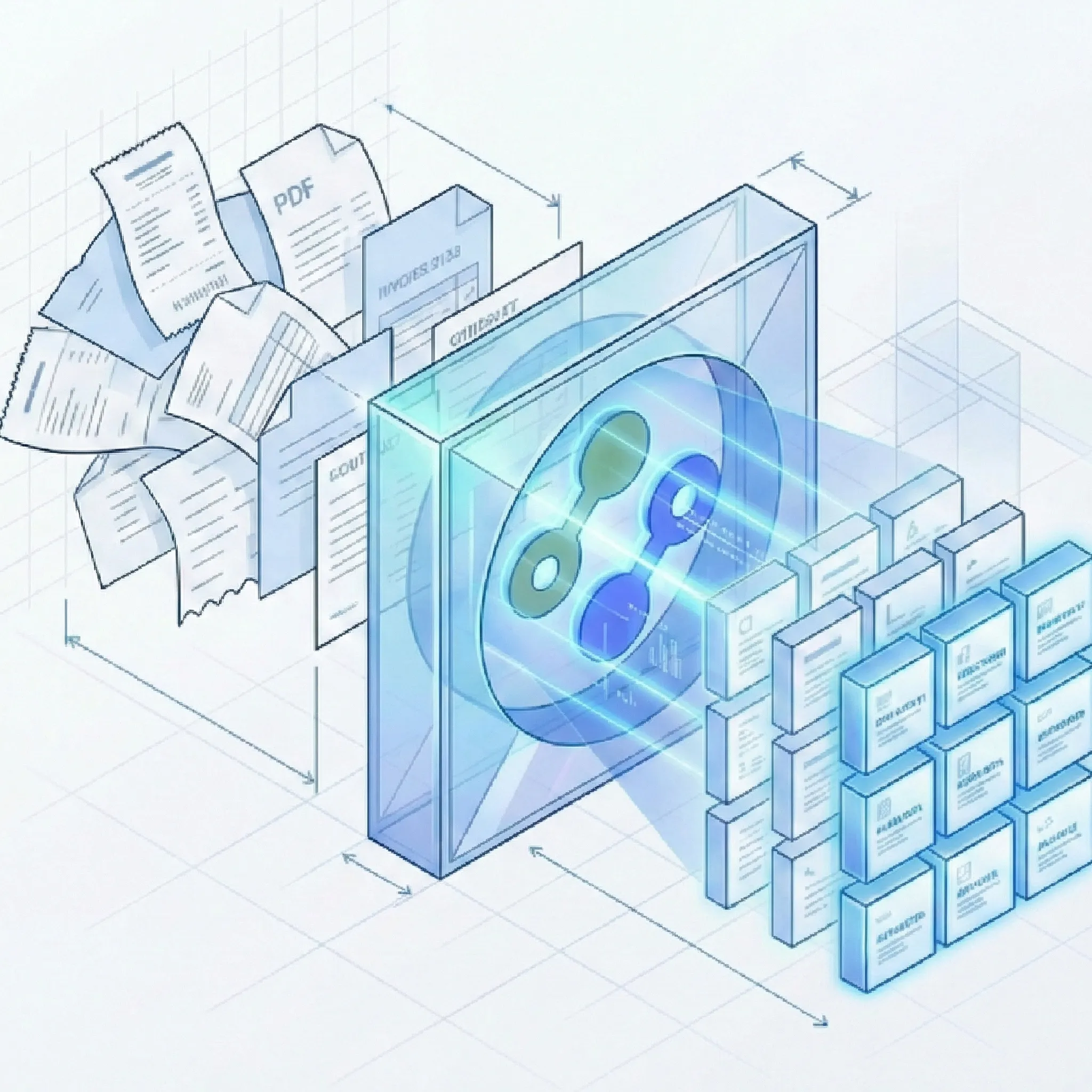
Comprehensive Field Extraction from Purchase Orders Using Automated OCR Technology
Why Choose Our OCR for Your Purchase Orders?
Our OCR model retrieves essential elements for accounting, finance, and purchasing departments. With an intuitive interface that allows adjustment, completion, and specification of extracted data, you get full control over your purchase order data.
Data Capture
- Essential Fields: Automatically extract PO number, order date, vendor name, billing address, shipping address, line items, quantities, unit prices, delivery dates, payment terms, and more.
- Table Detection: AI-driven algorithm reads purchase order line items data line-by-line, capturing product descriptions, SKUs, quantities, and pricing.
- Fully Configurable Fields: Use our pre-trained PO model out of the box, or add custom fields to match your specific ERP requirements.
Accuracy & Validation
- High Success Rate: Achieve accuracy on essential purchase order fields, reducing manual review.
- Automated Data Validation: Built-in checks verify totals match sum of line items.
- Human-in-the-Loop Verification: Review and correct extraction results with an interface designed for verification workflows.
Seamless Integration & Export
- Multiple Export Formats: Download structured data as Excel (.xlsx), Google Sheets, CSV, or JSON for use in your systems.
- Google Sheets Integration: Seamlessly connect to Google Sheets and export extracted PO data directly for real-time collaboration and automated reporting.
- Unified Export: Combine hundreds of purchase orders into a single, organized Excel file for consolidated analysis and reporting.
- REST API: API with documentation enables integration with ERPs, accounting software, and custom workflows.
- Flexible Import Options: Upload via web interface or API integration to match your existing processes.
Universal Format Support - Extract Data from Any Purchase Order
Our AI-powered OCR handles purchase order formats, from digital PDFs to scanned documents.
Every Format, Every Condition
- PDF Files: Process native PDFs, searchable documents, and scanned files.
- Scanned Documents: Extract data from scans using AI OCR.
- Images & Photos: Convert PNG and JPEG images, including smartphone photos, into structured purchase order data.
Purchase Order Extraction in Every Industry
From retail procurement to manufacturing supply chains, organizations transform purchasing workflows with automated PO data extraction.
Retail & E-Commerce
- Process high volumes of supplier POs to prevent stockouts and ensure timely inventory replenishment.
- Onboard new suppliers without manual data entry or schema configuration.
- Match purchase orders against supplier invoices for three-way matching automation. Pair with our invoice OCR converter for complete procure-to-pay automation.
Manufacturing & Supply Chain
- Extract bill of materials (BOM) and multi-line item POs with quantity and pricing data.
- Improve production planning with accurate delivery date and lead time extraction.
- Reduce procurement errors with validation against ERP master data.
Corporate Procurement
- Standardize purchase order data across global business units and international suppliers.
- Gain visibility into spend with consolidated PO data in unified Excel exports.
- Streamline approval workflows with extracted approver names, cost centers, and authorization levels. For comprehensive procurement automation, combine PO extraction with our other logistics document tools.
ROI from Automated Purchase Order Processing
Organizations using Suparse for purchase order extraction realize improvements across procurement metrics.
Efficiency Gains
- Reduction in Processing Time: Transform manual data entry into automated extraction.
- Decrease in Data Entry Errors: Eliminate typos, transposition errors, and missing fields.
- Faster Supplier Onboarding: Process POs from new suppliers without schema setup.
Cost Savings
- Reduce Processing Costs: Cut labor costs associated with manual PO data capture and verification.
- Eliminate Overtime Costs: Month-end and quarter-end crunches become manageable with bulk processing.
- Avoid Late Payment Penalties: Accelerated PO-to-payment workflows ensure timely supplier payments.
Visibility & Control
- Spend Insights: Consolidated PO data enables spend analysis and budget monitoring.
- Improved Supplier Relationships: Faster processing and fewer errors strengthen supplier partnerships.
- Audit-Ready Records: Complete extraction data creates compliant audit trails.
How It Works
Fast and simple out of the box with powerful customization options when you need them.
Ready to Automate Your Purchase Order Processing?
Join finance and purchasing teams who have eliminated manual PO data entry. Sign up in 30 seconds and get 50 free page credits to experience automated purchase order extraction.
Start Extracting Purchase Orders for FreeFrequently Asked Questions About Purchase Order Extraction
What data fields can Suparse extract from purchase orders?
Suparse extracts essential fields including PO number, order date, vendor name and contact details, billing and shipping addresses, line items (product descriptions, SKUs, quantities, unit prices, line totals), delivery dates, payment terms, subtotals, taxes, shipping charges, and grand totals. You can add custom fields to meet specific business requirements.
How accurate is the purchase order data extraction?
Suparse achieves high accuracy on essential purchase order fields. Our AI-powered OCR is trained on purchase order documents and includes table detection algorithms for line items. The human-in-the-loop interface allows for quick verification of any uncertain fields.
Do I need to create templates for each vendor's purchase order format?
No. We provide a pre-built model for purchase orders that works instantly. However, unlike rigid solutions, Suparse allows you to modify and extend this model if you need to capture non-standard data fields specific to your business.
Can Suparse extract line items from complex purchase orders?
Yes. Our AI-driven table detection algorithm reads data line-by-line. It handles multi-page tables, complex product descriptions, bundled SKUs, and varying line item structures.
Does Suparse support multilingual purchase orders?
Yes, Suparse supports 100+ languages including Chinese, Arabic, Cyrillic, Japanese, and all global alphabets. Our OCR recognizes and standardizes different date formats, currency formats, and number conventions from international suppliers.
Can Suparse read handwritten notes on purchase orders?
Yes, our AI includes handwriting detection capability for handwritten notes, delivery confirmations, approval signatures, and annotations on purchase orders.
What export formats are available for purchase order data?
You can export extracted purchase order data in multiple formats: Excel (.xlsx), Google Sheets, CSV, and JSON. We offer a unified export feature that combines hundreds of purchase orders into a single Excel file.
How can I convert purchase orders to Google Sheets?
With Suparse you can easily connect to Google Sheets, process your purchase orders, and export them all at once using our Google Sheets integration. Simply upload your PO documents, let the AI extract the data, and choose Google Sheets as your export destination. This eliminates manual data entry and ensures your purchase order data is instantly available in your Google Workspace for collaboration and analysis.
Is my purchase order data secure with Suparse?
Security is our top priority. All data is encrypted in transit and at rest. We never train our models on customer data. You control document retention and delete when you want.
Can I verify and correct extraction results?
Yes, Suparse includes a human-in-the-loop workflow with an interface for verifying extraction results. You can review, adjust, and specify extracted data before export. Team members can collaborate with role-based access permissions.
What file formats does Suparse support for purchase orders?
Suparse supports PDF files (including scanned and password-protected), PNG images, and JPEG images. We process documents from any source: digital POs, scanned paper documents, photos taken with smartphones, faxed documents, and legacy archives.
Can I process multiple purchase orders at once?
Yes, our platform supports bulk processing. You can drag and drop hundreds of purchase orders into the web interface for batch processing, or use our API for automated workflows. Export all processed POs to a single unified Excel file.
How does Suparse compare to manual PO data entry?
Suparse reduces purchase order processing time and decreases manual data entry errors. While manual entry takes minutes per PO and is prone to fatigue errors, Suparse extracts data in seconds with consistent accuracy. Our platform handles unlimited PO formats without templates or configuration.
Is there a free trial to test purchase order extraction?
Yes! Sign up for free and receive 50 page credits to test our purchase order extraction capabilities. No credit card required.