
Scale Your Practice Without Scaling Your Headcount
Suparse automates time-consuming bookkeeping tasks: processing client documents, extracting transaction data, and preparing exports ready for reconciliation in accounting systems.
- Process hundreds of documents at once
- Fully customizable AI OCR models
- Document processing security
- Start without a credit card
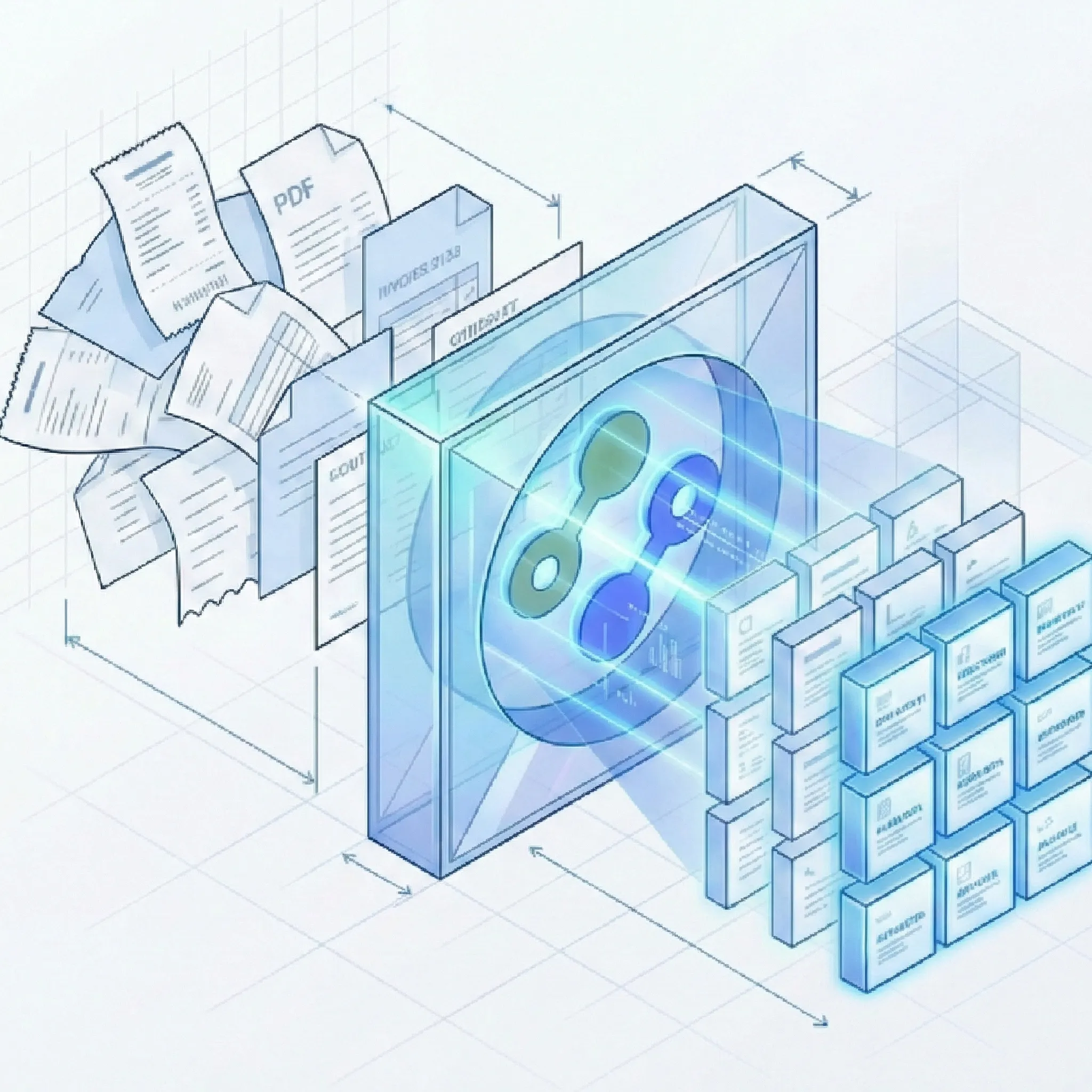
Stop Spending Time on Manual Data Entry and Processing
Built for Accounting Firm Volumes
Suparse is not just another OCR tool. It's a complete automation platform designed specifically for accountants and accounting firms that need to efficiently and accurately process large volumes of client documents.
High-Volume Batch Processing
- Process hundreds at once: Upload entire client folders containing bank statements, invoices, and receipts.
- Automatic document splitting: Transform single PDF files containing multiple documents into separate, processable files. No manual separation required when a client submits 50 invoices in one file.
- Parallel processing engine: Documents are processed simultaneously, turning hours of manual data entry into minutes of automated extraction.
- Universal format support: Handle PDFs, scans, photos (JPG, PNG), and mixed document types without pre-sorting or manual intervention. Includes automatic image enhancement for low-quality scans.
- Complete file support: Process PDF, JPEG, PNG, HEIC, HEIF, TIFF, and WEBP files, including password-protected PDFs when a password is provided.
Intelligent Data Extraction
- Automatic classification: System automatically identifies document types (invoices, receipts, bank statements) and assigns the appropriate extraction template. No manual sorting required.
- Autopilot for unknown documents: Detect and separate mixed files, choose or create a document type, and save new types to your workspace for future client uploads.
- Flexible AI OCR models: Start immediately with our proven models for invoices, receipts, and bank statements. Need to extract a specific Project Code or Account Code? Simply extend the model in our interface - no programming required.
- Need additional document types?: Our AI schema generator will create an extraction schema for any document you need - contracts, tax forms, utility bills, trade documents, and many more.
- Line item extraction: Extract detailed product/service lines from invoices, including quantities, unit prices, and tax amounts. Seamlessly handles multi-page tables.
- Custom field extraction: Need to extract specific project IDs or accounting codes written on receipts? Use our custom schema builder to extract fields ignored by standard OCR tools. For payroll processing, see our comparison of the best payslip OCR converters.
- Multilingual support: Extract data from documents in more than 100 languages, ideal for international clients and cross-border transactions.
Automated Quality Control
- Configurable validation rules: Set custom checks such as 'Total must equal sum of line items' to automatically catch errors.
- Quality assurance: Automatic checks ensure data quality and consistency before export.
- Mandatory field enforcement: Ensure critical data such as invoice numbers, vendor names, and amounts are correct before export.
- Human-in-the-Loop Workflow: Side-by-side verification interface lets your team quickly review extracted data alongside original documents, correct exceptions, and validate results before export.
Real Impact for Accounting Firms
See how accounting firms and accountants are transforming their operations and increasing profitability with document processing automation.
Frequently Asked Questions
Do I need to create templates for each new client or document format?
No. We provide pre-trained models for invoices, receipts, and bank statements that work instantly for any format or layout. The system uses automatic classification to automatically identify document types and assign the appropriate extraction schema. However, unlike rigid solutions, Suparse allows you to extend these models if you need to extract custom fields such as Project Code or Account Code specific to client requirements.
How does Suparse help automate bank reconciliations?
Suparse streamlines the first and most time-consuming step of bank reconciliations: data extraction. We automatically extract all transaction data - dates, descriptions, debits, credits, and current balances - from bank statements and credit card statements. This data is exported in a clean, structured format that can be directly imported into the reconciliation module of accounting software, dramatically accelerating the matching process.
What if a client sends a single PDF with multiple documents?
Suparse handles this automatically with the intelligent document splitting feature. The system detects boundaries between documents in a single PDF file and splits them into separate, processable documents. For example, if a client submits one PDF containing 12 monthly invoices, Suparse will automatically separate them into 12 individual documents and process each with the appropriate extraction schema.
What document types can Suparse process for bookkeeping?
Suparse handles virtually all financial documents used in bookkeeping: bank statements, credit card statements, merchant statements, supplier invoices, customer invoices, expense reports, receipts, purchase orders, and tax forms. Supported inputs include PDF, JPEG, PNG, HEIC, HEIF, TIFF, and WEBP files.
How is the security of my clients' sensitive financial data ensured?
Security is our top priority. All data is protected with end-to-end encryption, both in transit and at rest. Our infrastructure is enterprise-grade and our security controls. We do not train models on customer data, and you have full control over document retention with automatic deletion options. You can manage team access with role-based permissions and maintain full audits of all document processing activities.
Can my team collaborate on document verification?
Yes. Suparse includes a human-in-the-loop verification workflow where team members can review extracted data, correct exceptions, and validate results before export. You can add and manage team members, switch between team memberships, organize documents in folders, assign documents for review, and maintain quality control standards.
Can I search and export bookkeeping data efficiently?
Yes. Search extracted text and numbers such as invoice numbers, vendors, amounts, and transaction descriptions. For large result sets, use background exports on the Exports page, download ready files, retry failures, or recreate an export from current filters. XLSX (one tab) combines general fields and table data in one worksheet.
Can I try Suparse before committing?
Absolutely. You can start processing documents immediately with our free trial - no credit card required. You'll receive 50 free pages to test Suparse with real client documents and experience the time savings firsthand. See how our batch processing, accuracy, and export workflows work with your specific use cases.
Ready to Transform Your Company's Bookkeeping Workflow?
Join the accounting firms using Suparse to scale efficiently, improve profitability, and deliver faster customer service. Start automating today.
Process 50 Pages Free