
The Smarter Way to Extract Data From Tax Forms.
Eliminate manual data entry. Our AI-powered tax form OCR delivers over 99% accuracy and processes any form type in seconds.
- Ready to use extraction schema that you can adjust to your needs
- All Form Types Supported
- Top accuracy with human in the loop workflow
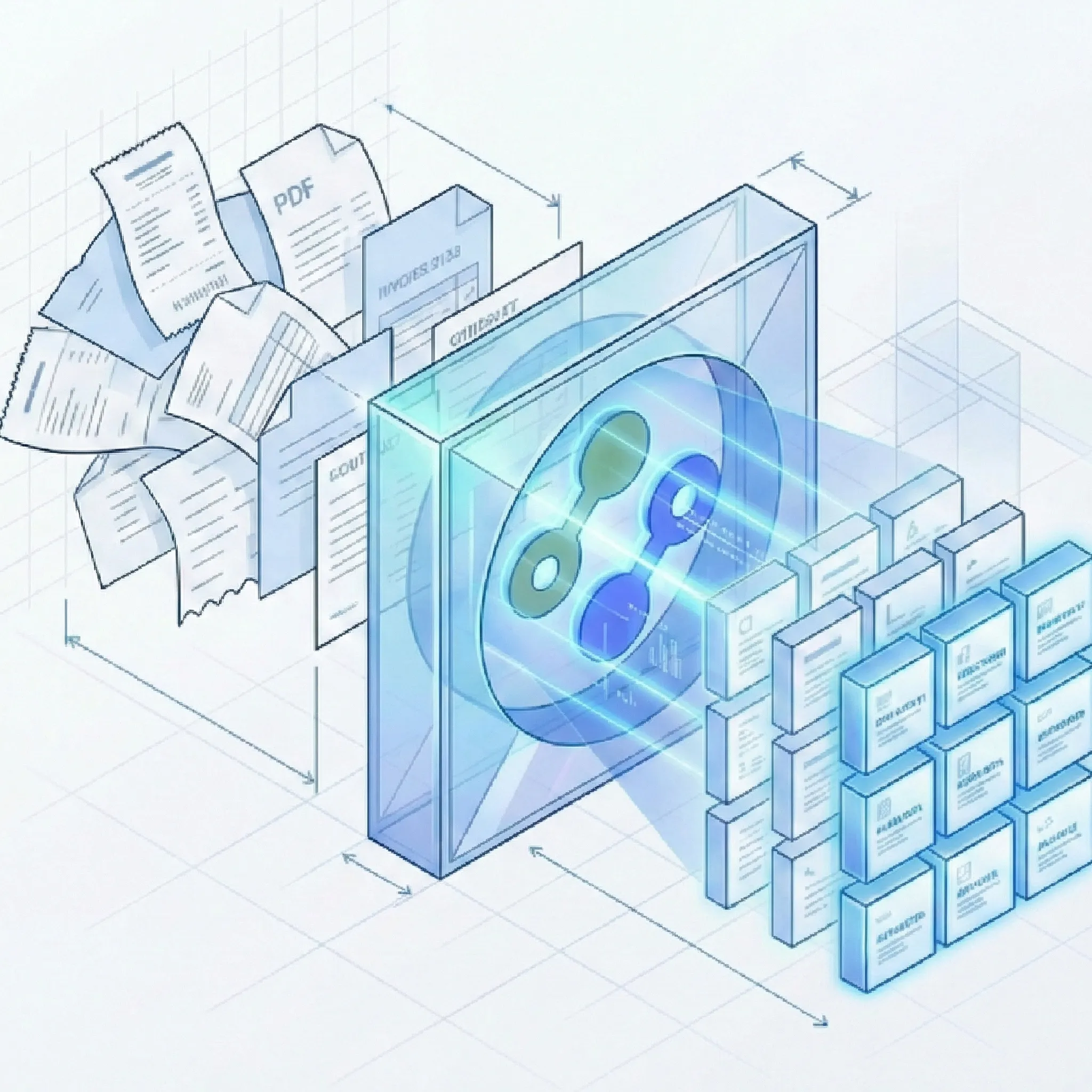
Built for Accounting Firms, Tax Preparers, and Lenders Who Need Data at Scale.
Intelligent Tax Form Processing That Understands Your Business
Our platform combines OCR with AI to handle tax forms - from box-specific fields to multi-page schedules.
Tax Form Data Extraction
- Field-Level Precision: Extracts data from specific defined fields.
- Multi-Page Attachment Handling: Processes multi-page tax returns with attachments, maintaining data relationships across pages.
- Adaptive AI Schema Generation: Our AI analyzes tax form layouts and generates extraction schemas.
Data Quality
- Validation: Built-in checks verify totals match sum of line items.
- Taxpayer ID Extraction: We read SSNs, EINs, and PESEL.
- Currency & Date Standardization: Formats amounts and dates according to regional variants.
Security & Compliance
- Encryption: End-to-end encryption for documents in transit and at rest.
- EU processing: Processing in the European Union.
- No Data Training: We never train models on customer data.
Process Integration
- Batch Processing: Upload tax forms at once via drag-and-drop or API.
- Human-in-the-Loop Verification: Review and edit extracted data before export.
- Export Options: Download as Excel (.xlsx), Google Sheets, CSV, JSON for accounting systems and tax preparation software.
How It Works
Fast and simple out of the box with powerful customization options when you need them.
Ready to Transform Your Tax Form Processing?
Join accounting firms, tax preparers, and lenders who have eliminated manual tax data entry. Sign up in 30 seconds and get 50 free page credits.
Start Extracting Tax Forms for FreePowering Workflows Across Industries
From tax season preparation to year-round compliance, Suparse adapts to your specific tax processing needs.
Frequently Asked Questions About Tax Form OCR
How accurate is the tax form data extraction?
Suparse achieves high accuracy on key tax form fields. The human-in-the-loop interface allows for quick verification.
Can Suparse process handwritten information on tax forms?
Yes. Our handwriting recognition can read handwritten entries, corrections, and annotations on tax forms. This is useful for amended returns, handwritten corrections, and manually filled forms.
Do I need to create templates for each tax form type?
No, you don't need to create them from scratch. We provide a pre-built model for tax forms that works instantly. However, unlike rigid solutions, Suparse allows you to modify and extend this model if you need to capture custom fields for state-specific forms or legacy formats.
Is my tax data secure? How do you handle sensitive information?
Security is our top priority. We use encryption for all data in transit and at rest. We never train our AI models on customer data, and you can delete documents at any time.
What export formats are available for extracted tax data?
You can export extracted tax form data in Excel (.xlsx), Google Sheets, CSV, and JSON for API integration. Data is structured with field mappings to boxes and lines, for import into tax preparation software. With Suparse's Google Sheets integration, you can connect your account and export directly to spreadsheets for real-time collaboration.
How can I convert tax forms to Google Sheets?
With Suparse you can easily connect to Google Sheets, process the tax forms you need and export them all at once using Suparse Google Sheets integration. Simply upload your documents, let AI extract the data, and send structured results directly to your Google Sheets for real-time collaboration and analysis.
Can I verify and edit the extracted data before export?
Yes. Suparse includes a human-in-the-loop workflow that lets you review extracted data before export. The interface allows you to identify and correct issues.