
Extract Data from Any Document Type with AI-Powered Custom Extraction
The intelligent document processing platform that adapts to you. Start instantly with our AI Schema Generator to create custom parsers for unique document types in seconds. Parse contracts, forms, certificates, and any specialized document with over 99% accuracy.
- Pre-Built Models + AI Customization
- 100+ Languages Supported
- Secure document processing
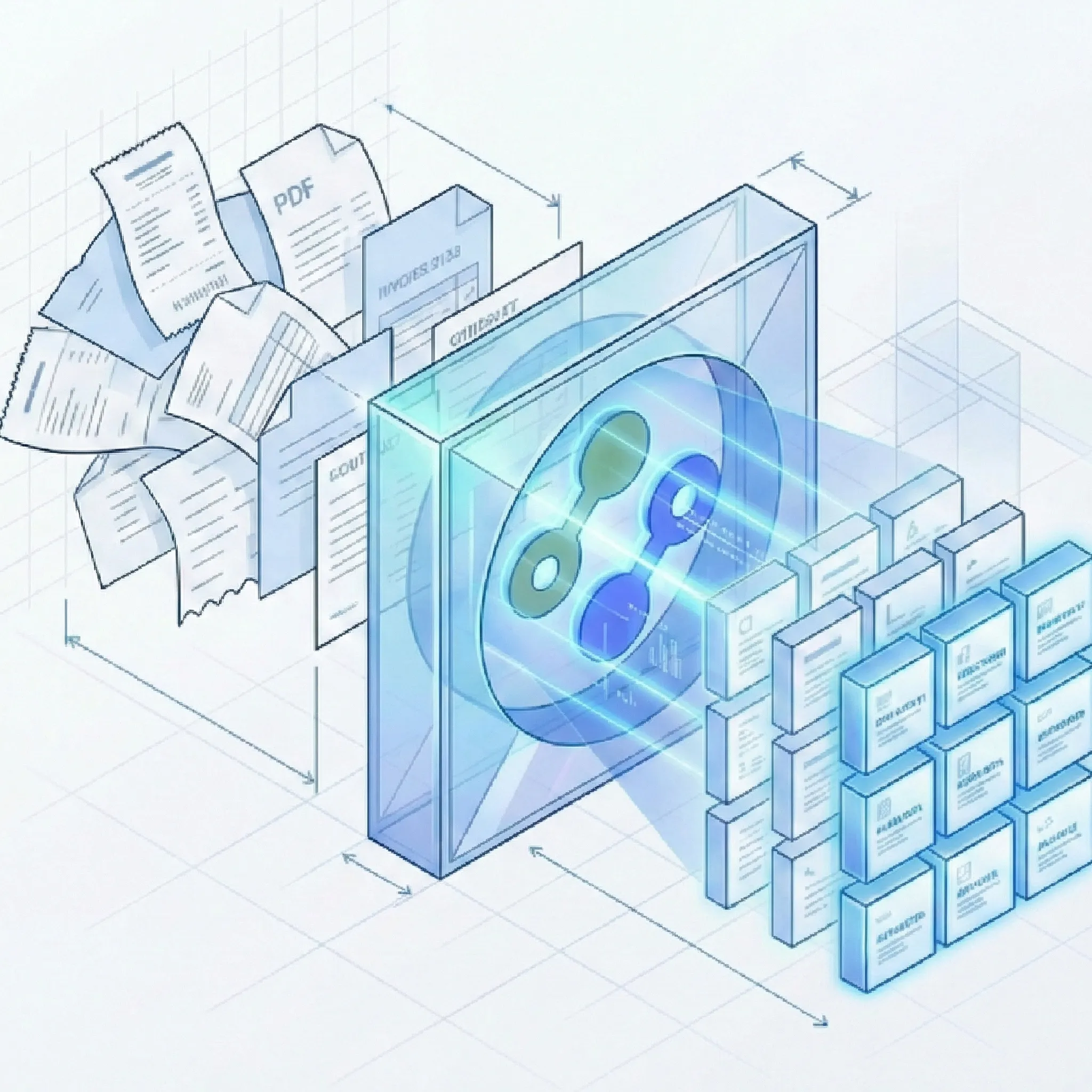
Stop Wrestling with Unique Document Formats. Start Automating.
Everything You Need to Parse Any Document Type
From standard business forms to highly specialized documents, Suparse provides flexible schemas, Autopilot extraction, saved test results, accurate parsing, and the integrations you need.
Universal Document Understanding
- Automatic file splitting: Multiple documents in single PDF files? Let AI handle it for you. No manual splitting required.
- Autopilot extraction: When you do not know the document type, Autopilot detects and separates mixed files, chooses a suitable document type, and creates one when needed.
- AI-Assisted Schema Generation: Simply upload a few samples and our AI learns your document structure automatically. No manual configuration required.
- Zero-Shot Parsing: Handle completely new document types instantly without prior training - create extraction schema with AI help.
- Sophisticated Table Detection: Extract data from complex tables, multi-column layouts, and nested structures with line-by-line precision.
- Multilingual Processing: Parse documents in Chinese, Arabic, Cyrillic, Japanese, and 100+ languages with locale-aware formatting.
- Extend Standard Models: Start with our pre-trained models (e.g., Invoice, Bank Statement) and add custom fields specific to your business (e.g., 'Project Code' or 'gl_account').
Fully Customizable Extraction
- Unlimited Field Definitions: Add any field you need - text, numbers, dates, checkboxes, tables, and more.
- Customizable Data Types: Define exactly how you want your data. Force dates to
YYYY-MM-DD, normalize currencies, or enforce specific drop-down options for extracted fields. - Configurable Validation Rules: Set up automated quality controls with totals checks and mandatory field enforcement.
- Pre-Built Models: Get started instantly with our pre-trained models for common documents, or use AI to generate a schema for any unique document type.
- Custom Field Mapping: Map extracted data exactly to your downstream system requirements with flexible field naming and nesting.
- Human in the loop: Review and amend the results with easy user interface.
- Save successful tests: Test a document type in the editor, review the extraction, and save the successful result together with the document type for future uploads.
Collaborative Processing Workflow
- Human-in-the-Loop Verification: Easily review, correct, and validate extraction results before export with an intuitive interface.
- Team Collaboration: Add team members, assign roles, and work together on document processing with granular permissions.
- Bulk Processing: Upload hundreds of documents at once and export unified data to Excel, Google Sheets, CSV, or JSON formats.
- Organize and find results: Use team folders, upload-batch filters, and search across extracted text and numbers.
How It Works
Fast and simple out of the box with powerful customization options when you need them.
Built for Unique Document Challenges Across Every Industry
See how organizations transform their document workflows with custom parsing.
Try our platform
Upload your time-consuming document and see how the AI will generate an extraction schema in seconds and then extract the needed data to Excel.
Start Free Trial (50 Pages)Frequently Asked Questions About Custom Document Parsing
What types of documents can Suparse parse?
Suparse can parse virtually any document type, including contracts, certificates, permits, technical forms, real estate documents, government forms, and more. Start with our pre-trained models for common documents, or use AI to generate a custom schema for any unique document type.
Can I modify the pre-trained models for my specific needs?
Yes! You can start with any of our pre-trained models (like Invoice or Bank Statement) and extend them by adding custom fields specific to your business-such as 'Project Code', 'gl_account', or 'Cost Center'. Simply use our schema editor to modify existing models or create entirely new ones with AI assistance.
How does custom parsing fit into the platform?
Custom document parsing is a core part of our platform for handling unique document types. You can extend pre-trained models or create entirely new extraction schemas with our AI Schema Generator, all within the same unified workspace.
How do I create a schema for a unique document type?
Use our AI Schema Generation feature-upload a sample of your document (e.g., a specialized contract or form), and our AI analyzes the layout and suggests a reusable schema with validation rules in seconds. No manual box-drawing required. You can then refine the suggested fields to match your exact requirements.
What is Autopilot extraction for custom documents?
Autopilot is designed for uploads where the document type is unknown. It detects and separates documents in mixed files, chooses the best document type, creates a new type when needed, and saves new types to your workspace for future uploads. You can restrict it to document types already in your workspace.
How does Suparse handle documents in different languages?
Suparse supports over 100 languages including Chinese, Arabic, Cyrillic, Japanese, and all Latin-based scripts. Our multilingual OCR and NLP automatically detect language and locale, ensuring accurate extraction regardless of the document's origin.
How accurate is the extraction?
Suparse achieves over 99% accuracy for key fields. Our AI combines advanced OCR with semantic understanding, and configurable validation rules ensure data quality. The human-in-the-loop workflow lets you verify results, providing an additional layer of accuracy assurance.
Is my data secure and compliant?
All data is encrypted during transmission and at rest. Your data is not used to train AI models.
Can I integrate custom parsing into my existing systems?
Yes. We provide a comprehensive REST API with detailed documentation, allowing you to integrate document parsing directly into your applications, workflows, or ERP systems. The document extraction API developer guide covers the production upload, polling, and retrieval lifecycle. We also support email import, webhook notifications, and direct system connections.
How does the human verification workflow work?
After documents are processed, you can review extraction results in our intuitive interface. Verify, correct, or validate data before export. Assign team members to specific document types, add comments, and maintain full audit trails for compliance and quality assurance.
What export formats are available?
Export your extracted data in Excel (.xlsx), XLSX (one tab), Google Sheets, CSV, or JSON formats. The one-tab workbook combines general fields and table data in a single worksheet. Large exports can run in the background and be tracked on the Exports page. Our API returns structured data with document status, unique identifiers, general fields, and repeated fields for easy integration.
Can I save the result of a schema test?
Yes. Test a document type in the editor, review the extraction, and save the successful test result together with the document type so the schema is ready for future uploads.
Which file formats can I use for custom parsing?
Suparse supports PDF, JPEG, PNG, HEIC, HEIF, TIFF, and WEBP files. Password-protected PDFs can prompt you for their password during upload.
How can I export documents to Google Sheets?
With Suparse you can easily connect to Google Sheets, process the document types you need and export them all at once using our Google Sheets integration. This allows for seamless collaboration and real-time data sharing with your team directly in your existing Google Workspace environment.