
Turn invoices and receipts into organized data.
Suparse is cost tracking software for small business owners. Turn receipts, invoices, and bank statements into organized spreadsheets automatically. Search values, organize documents in folders, and spend time analyzing instead of entering data manually.
- Process invoices, receipts & statements
- Secure & private
- Highly accurate data
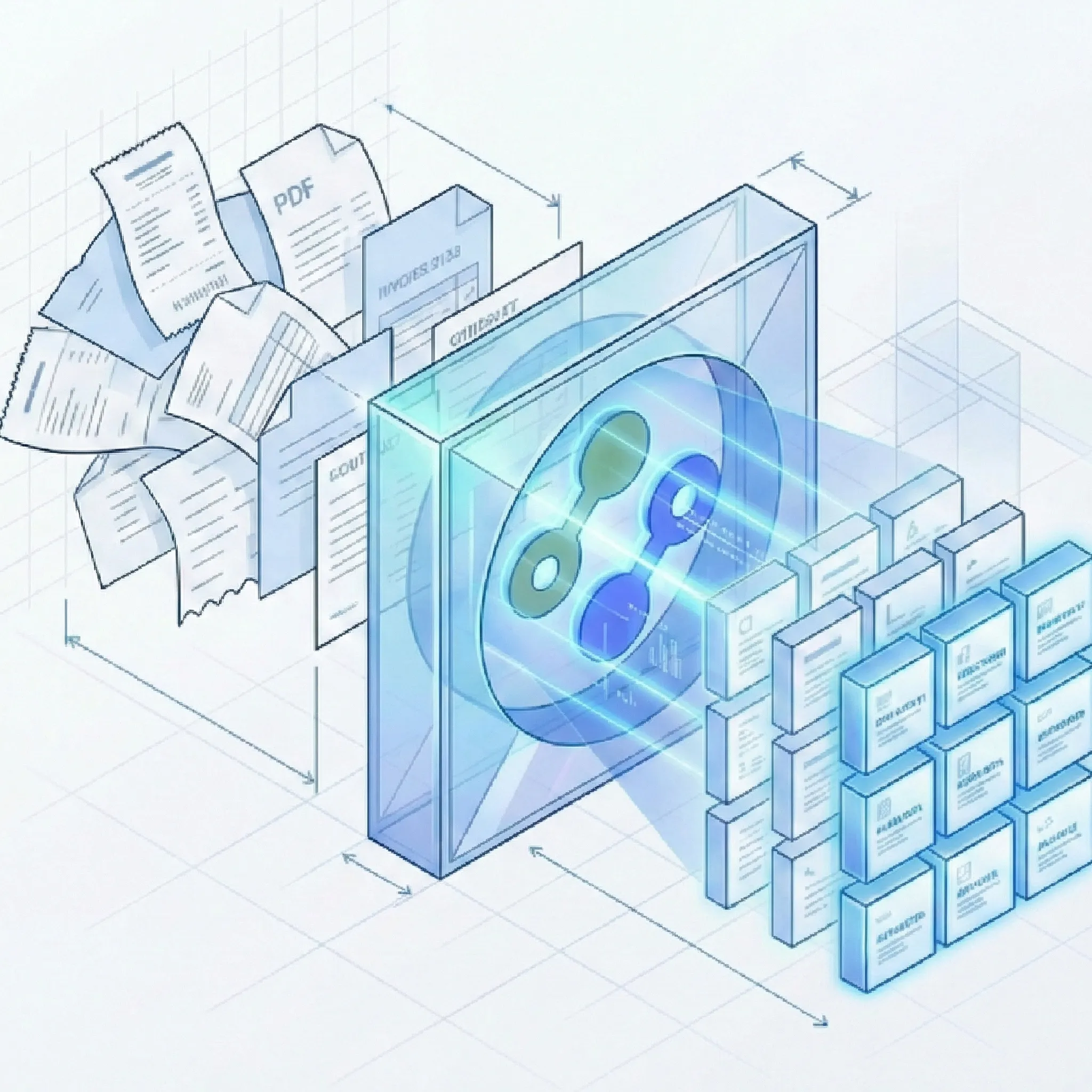
Save your time for what really adds value
How Suparse Makes Your Life Easier
Suparse is an intelligent document processing platform that simplifies company financial management.
Intuitive Capture
- Email body & attachment parsing: Forward invoices, receipts, and bank statements to a dedicated Suparse email address. Extract data from attachments, the email body, or both, using a specific document type or Email Autopilot. Skip downloading and uploading files one by one.
- Snap a photo of any receipt or invoice with your smartphone.
- Upload PDF, JPEG, PNG, HEIC, HEIF, TIFF, and WEBP files, including password-protected PDFs when prompted.
- Works with documents from any bank or supplier worldwide.
- Upload multi-page PDFs and AI will automatically split them into individual documents. Splitting has no additional cost.
Intelligent Processing
- AI automatically extracts key data - vendor, date, and amounts.
- Reads line items from invoices so you can track every expense.
- Normalizes dates and currencies for clean, consistent data.
- Automatically classifies documents and assigns the appropriate extraction schema.
- Use Autopilot for unknown document types: detect mixed files, choose or create a type, and save it for future uploads.
- Search extracted text and numbers, including vendor names, invoice numbers, totals, and transaction descriptions.
Verification & Control
- Verification interface next to the document allows checking extracted data against the original.
- Edit extraction results directly with simple tools.
- Verification of key field completion ensures all relevant information is captured.
Export Options
- Webhooks for your workflow: Send extracted expense and transaction data to your bookkeeping or reporting workflow when processing completes. Subscribe by document template and upload source to route the right results to the right system.
- Download data as Excel (.xlsx), XLSX (one tab), Google Sheets, CSV, JSON, or QuickBooks-ready exports.
- Process hundreds of documents in batches with parallel processing.
- Export multiple documents to a single unified Excel or CSV file.
- Track large exports on the Exports page, download ready files, retry failures, or recreate an export from current filters.
Benefits for Small Business Owners
See how other entrepreneurs transformed their accounting processes with Suparse
Ready to say goodbye to paperwork?
Focus on your business, not on bookkeeping. Get started with 50 pages free and see how simple your finances can be.
Get 50 pages freeAnswers to your questions
What is the easiest way to do bookkeeping for a small business?
The easiest way is to automate data entry. Instead of manually typing every receipt, invoice, and bank transaction into a spreadsheet, you can upload them to Suparse and let AI do the work. This reduces errors and gives you back hours every week.
Can I convert a PDF bank statement to Excel for free?
Yes. With our starter plan you can convert up to 50 pages of documents - including PDF bank statements - to Excel, XLSX (one tab), Google Sheets, CSV, or JSON at no cost. We support PDF, JPEG, PNG, HEIC, HEIF, TIFF, and WEBP files.
Do I need to configure extraction schemas for my invoices or receipts?
No. Suparse uses AI with pre-trained models for popular business documents. It understands document layouts on its own - whether it's an invoice from a new supplier or a receipt from a local cafe. For unique documents you can generate a custom extraction schema.
Can Suparse handle multiple documents in one PDF?
Yes. Our feature is automatic splitting of multi-document PDF files. Upload one PDF containing multiple invoices, receipts or statements, and Suparse will automatically identify and split them into individual documents for processing.
How do you keep my financial data secure?
Your security is our highest priority. We use encryption for all data - in transit and at rest. We never use your documents to train our AI models. You have full control over your documents and can delete them at any time. We process data within the European Union.
Can I organize and search my small-business documents?
Yes. Create team folders, choose a folder during upload, move selected or filtered documents, and filter the Documents list by folder. Search extracted text and numbers to find receipts, invoice numbers, vendors, and totals quickly.