
Extract Data from Any Financial Document. No Templates Required.
Start with pre-trained models for invoices, receipts, bank statements, checks, tax forms, and energy bills. Have a different document type? Use Autopilot to identify it or create a reusable schema with AI. Search, validate, and export the results. Start with 50 free pages.
- Any Document Type
- AI Schema Generation
- Autopilot for unknown financial documents
- Zero Templates Required
- Enterprise-Grade Security
- No credit card required to start
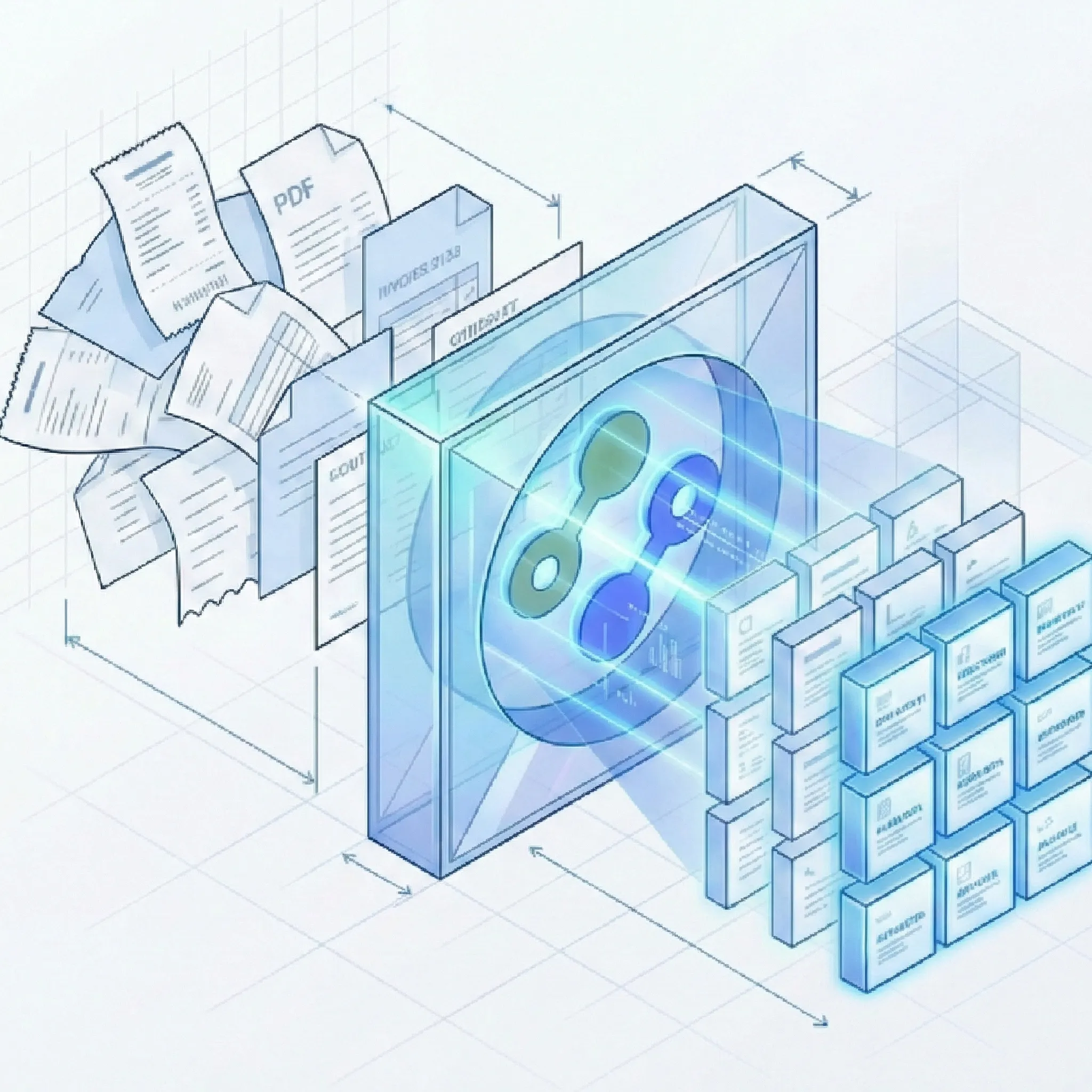
Extract Data from Any Financial Document - pre-trained or custom
Start instantly with pre-trained models for common documents, or use AI-assisted schema generation to extract from any unique financial document format in seconds.
AI Schema Generator - Unlimited Custom Documents
- Create Any Extraction Schema: Upload a sample document and our AI analyzes the structure, identifies key fields, and generates a complete extraction schema automatically. No coding, no manual template building.
- Works for Any Document Type: Vendor-specific invoices, international bank statements, niche financial forms, government documents, industry-specific formats - if you can scan it, Suparse can extract from it.
- Define Custom Fields: Extract exactly what you need - account codes, project IDs, GL numbers, approval signatures, custom metadata, or any field specific to your workflow.
- One-Time Setup, Forever Reusable: Once created, your custom schema processes unlimited documents of that type automatically. Share schemas across your team for consistent extraction.
- Data Validation: Automated checks like 'Total must equal sum of line items' ensure data accuracy before export.
- Line Item & Table Extraction: Capture detailed line items from invoices, multi-page transaction tables from bank statements, and complex energy bill charge breakdowns.
- Finance Team Ready: Use our web interface for quick extraction or integrate via REST API for automated workflows.
- Autopilot for unknown types: Let Autopilot detect and separate mixed files, choose a financial document type, create one when needed, and save it to your workspace.
Start Instantly with Pre-Trained Models
- Document splitting at no additional cost: Process PDFs containing multiple documents without separating them manually. Splitting has no additional cost; standard extraction page charges apply.
- Email body & attachment parsing: Forward invoices, receipts, and bank statements to a dedicated Suparse email address. Extract data from attachments, the email body, or both, using a specific document type or Email Autopilot. Skip downloading and uploading files one by one.
- Invoice Extraction: Vendor name, invoice number, date, line items (description, SKU, quantity, unit price), subtotal, taxes, total, and payment terms.
- Receipt Extraction: Vendor, date, line items, total amount, tax, and expense categorization.
- Bank Statement Extraction: Account number, period dates, transactions (date, description, debit, credit, balance), and running balance.
- Bank Check Extraction: MICR line (routing number, account number, check number), amount (numeric and written), payee name, drawer, date, memo, and bank name. Teams evaluating check-specific OCR can also compare the best bank check OCR converters.
- Tax Form Extraction: Box-specific fields (wages, tips, withholdings, SSN/Medicare, employer IDs), taxpayer IDs (SSN, EIN, ITIN), and multi-page schedules.
- Energy Bill Extraction: Customer info, billing period, meter details (number, read dates, consumption), charges (base, usage, delivery, taxes), line items, and rate structures.
Verification & Quality Control
- Side-by-Side Review: View extracted data alongside the original document for quick verification and corrections.
- Update-in-Place Editing: Correct extraction results directly in the interface without re-processing.
- Team Collaboration: Add team members, assign review tasks, and maintain audit trails for compliance.
- Mandatory Field Rules: Ensure critical fields like invoice numbers, vendor names, and amounts are always captured.
- Search extracted values: Find invoice numbers, vendors, amounts, transaction text, and other extracted values across your Documents list.
Export to Your Preferred Format
- Webhooks for your workflow: Send extracted financial data to your accounting or reporting workflow when processing completes. Subscribe by document template and upload source to route the right results to the right system.
- Google Sheets Integration: Connect directly to Google Sheets and export extraction results instantly. Process invoices, receipts, bank statements, and other financial documents, then sync data to your spreadsheets in real-time for collaborative analysis and reporting.
- Excel Export: Download structured data in Excel format with proper formatting, formulas, and multi-sheet support. Ideal for accounting teams and financial analysis workflows.
- XLSX (one tab): Combine general financial fields and table data in a single worksheet for streamlined analysis.
- Background exports: Track large exports on the Exports page, download completed files, retry failures, or recreate an export from current filters.
- CSV Export: Get clean, comma-separated values for easy import into any system or database. Perfect for bulk data migration and custom integrations.
- JSON Export: Extract data in JSON format for developers and API integrations. Use with your existing tools, scripts, or automated workflows.
- QuickBooks exports: Supported bank-statement schemas can export .QBO files; supported invoice and receipt schemas can export .IIF files.
Finance Teams Trust Suparse for Critical Document Processing
See how AP teams, expense managers, mortgage lenders, and finance leaders transform their document workflows.
“We process invoices from 200+ vendors across 15 countries. Suparse handles every format we need - PDFs, scans, even photos. The line item capture accuracy means we've virtually eliminated data entry errors. Month-end close used to take 5 days, now it's 2.”
Marcus
AP Manager, Mid-Market Company
“Our team was drowning in employee receipts. Suparse's receipt extraction is incredibly accurate - it even captures handwritten notes. We've reduced receipt processing time by 85%.”
Jennifer
Expense Manager, SaaS Company
“For income verification, we need precise extraction from tax forms and bank statements. Suparse captures box-specific fields, transaction data, and running balances perfectly. It's become essential for our lending workflow - we process 50% more applications with the same team.”
Robert
Mortgage Processor, Lending Company
Ready to Extract Data from Any Financial Document?
Start with pre-trained models for common documents, or use AI Schema Generator to extract from any unique format in seconds. **50 free pages, no credit card required.**
Start Extracting FreeFrequently Asked Questions
What if I have a unique or custom financial document type?
That's exactly what our AI Schema Generator is for. Upload a sample of your unique document - vendor-specific invoices, international forms, niche financial statements, government documents, or any specialized format - and our AI analyzes the structure to generate a complete extraction schema automatically. No coding, no manual template building. Once created, your custom schema processes unlimited documents of that type.
What financial document types have pre-trained models?
We offer pre-trained AI models that work instantly for common financial documents: Invoices (vendor invoices, supplier bills), Receipts (expense receipts, cash register tapes), Bank Statements (all major banks and formats), Bank Checks (personal and business checks with MICR line extraction), Tax Forms (W-2, 1099, and similar forms with box-specific field extraction), and Energy Bills (electricity, gas, utility bills with meter data and charge breakdowns). These are ready to use immediately - no setup required.
Do I need to create templates for different vendors or formats?
No. Our AI uses template-free processing that understands document layouts contextually. Whether it's an invoice from a new vendor, a bank statement from a different country, or a unique format you've created, Suparse adapts automatically. For standard documents, pre-trained models handle everything. For unique documents, use AI Schema Generator once and you're done.
What kind of custom fields can I extract?
Anything you need. Our AI Schema Generator can identify and extract any field from your documents: account codes, project IDs, GL numbers, cost centers, approval signatures, authorization dates, custom metadata, vendor-specific fields, compliance data, or any other information specific to your workflow. You define what matters, and we extract it accurately.
How accurate is the extraction?
Our pre-trained models are battle-tested on financial documents. We consistently deliver high accuracy across all document types, including line item extraction from invoices, transaction data from bank statements, MICR lines from checks, box-specific data from tax forms, and complex charge structures from energy bills. Our verification interface allows your team to review and correct any exceptions before export.
How does Suparse handle sensitive financial data security?
Security is fundamental to our platform. All data is encrypted end-to-end (in transit and at rest) with bank-level security. We never train our AI models on customer data - your documents are never used to improve our models. You maintain full control over data retention with instant deletion capabilities and configurable retention policies.
How do I get started with Suparse?
Getting started is instant. Sign up for free with no credit card required - you'll receive 50 free page credits to test with your actual documents. Upload PDF, JPEG, PNG, HEIC, HEIF, TIFF, or WEBP files. Use a pre-trained model, choose Autopilot for an unknown type, or create a custom schema with AI.
Can I export my extraction results to Google Sheets?
Yes! With Suparse's Google Sheets integration, you can connect directly to your spreadsheets and export extraction results instantly. Process invoices, receipts, bank statements, and other financial documents, then sync the extracted data to Google Sheets in real-time. This enables collaborative analysis, automated reporting, and seamless workflow integration with your existing Google Workspace tools.
How can I convert receipts to Google Sheets?
With Suparse you can easily convert receipts to Google Sheets. Simply upload your receipts (PDFs, images, or scanned documents), let our AI extract vendor information, line items, amounts, taxes, and expense categories, then export the results directly to your Google Sheets. Perfect for expense tracking, reimbursement workflows, and automated financial reporting.
What export formats does Suparse support?
Suparse supports exports to Google Sheets, Excel, XLSX (one tab), CSV, JSON, and QuickBooks .QBO for supported bank statements or .IIF for supported invoices and receipts. For Xero, export a CSV and check or map its columns in Xero before importing.
Can I search extracted financial values?
Yes. Search all extracted data for text and numbers, including invoice numbers, vendors, totals, and transaction descriptions. Optional case-sensitive matching and wildcards (* and ?) help narrow results.