
Global Document Processing, Without the Manual Work
Suparse's AI uses multi-language OCR to automatically extract and standardize data from any document type across over 100 languages. Use ready-made types or create your extraction schema with AI.
- 100+ Languages Supported
- Document type recognition and AI-powered PDF splitting. Splitting has no additional cost.
- Document processing within the European Union
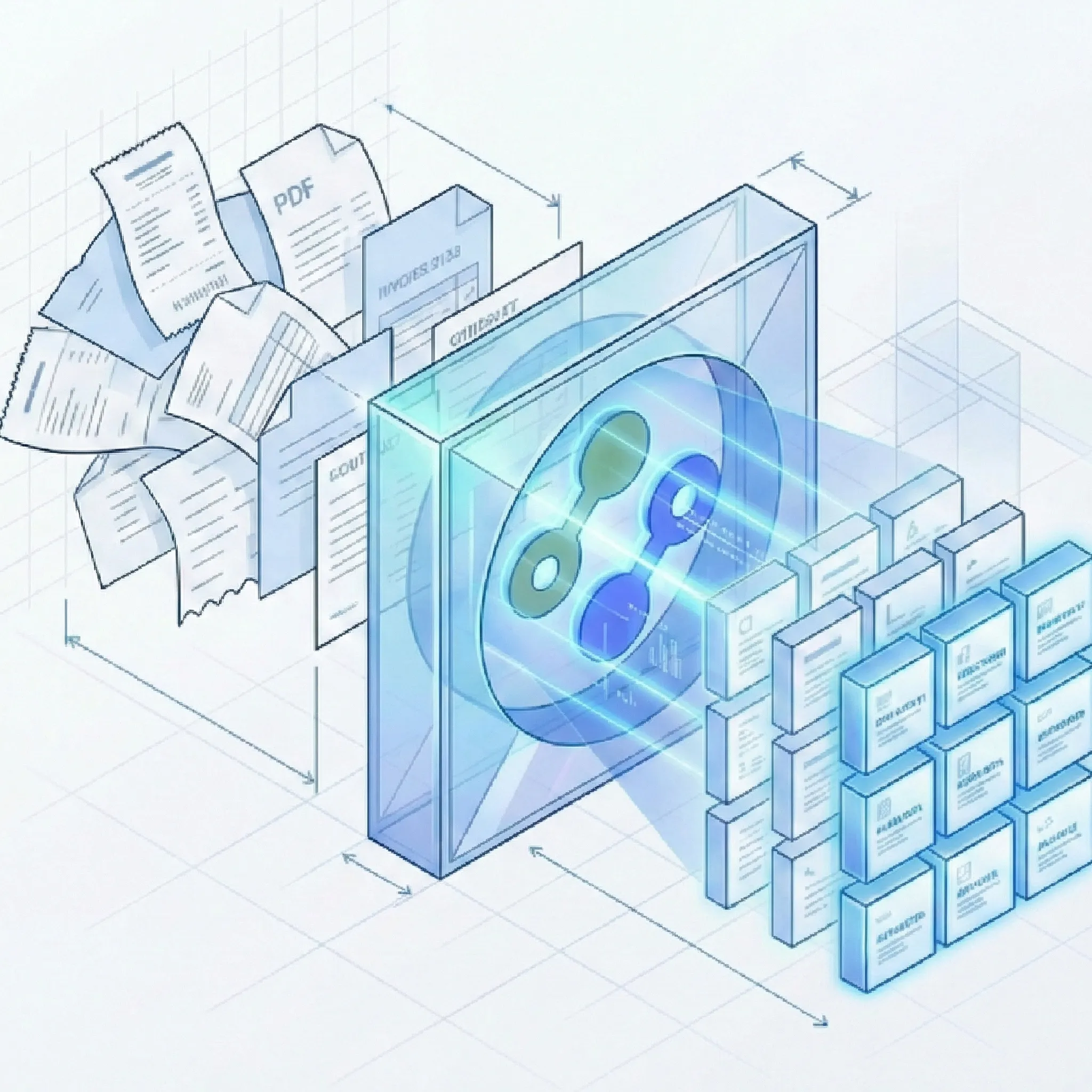
The True Cost of Manual Global Data Entry? Too High.
One Platform to Handle Your International Documents
Suparse is built from the ground up to handle the complexity and variation of global financial paperwork, turning chaos into clean, structured data. Our system handles [international freight](/solutions/logistics-supply-chain) documents like [bills of lading](/extraction-ocr-bill-of-lading) and [quotes](/extraction-ocr-quote), making it ideal for global procurement operations.
Borderless Data Capture
- Email body & attachment parsing: Forward international documents to a dedicated Suparse email address. Extract data from attachments, the email body, or both, using a specific document type or Email Autopilot. Skip downloading and uploading files one by one.
- 100+ Supported Languages: From Spanish invoices to German bank statements, our AI understands the language and the context. Read why Suparse supports more than 100 extraction languages and how that affects real workflows.
- Universal Currency & Date Recognition: We automatically detect and standardize all global currencies and date formats (DD-MM-YY, MM/DD/YYYY) into a single, clean format you choose.
- Flexible AI extraction: our AI adapts to diverse document layouts from over 100 countries, right out of the box. You can create new document type schemas with AI help when needed.
Intelligent Standardization
- Automated Data Normalization: We clean up and structure your data, converting local formats into a universal standard ready for your accounting software.
- Accurate Table & Line Item Extraction: Capture every detail from multi-page purchase orders and complex transaction tables with high precision.
- Multi-Format Ingestion: Process PDF, JPEG, PNG, HEIC, HEIF, TIFF, and WEBP files, including native PDFs, scans, and images with the same high accuracy.
Seamless Workflow Integration
- Webhooks for your workflow: Send extracted structured multilingual data to your global operations workflow when processing completes. Subscribe by document template and upload source to route the right results to the right system.
- Flexible Data Exports: Get your data in Excel, XLSX (one tab), Google Sheets, CSV, JSON, QBO for QuickBooks, or ready-to-import formats for Xero and Sage.
- Search and background processing: Search extracted text and numbers, organize documents in team folders, and track large exports on the Exports page.
- High-Volume Batch Processing: Upload hundreds of international documents at once and let our system work in parallel.
- Secure & Compliant: Your data is protected with end-to-end encryption.
Trusted by Global Teams Who Demand Efficiency
See how companies operating worldwide use Suparse to streamline their financial operations.
“Managing invoices from suppliers in Europe and Asia was a manual nightmare. The different languages, currencies, and tax formats. Suparse automated the entire process. We now process international invoices as easily as domestic ones, which has been a game-changer for our month-end close.”
Elena P.
AP Manager, Global E-commerce
“My firm serves clients with business interests across the EU. Many European banks don't provide easy CSV exports, trapping data in PDFs. Suparse's ability to handle multi-language bank statements, like German Kontoauszüge and French relevés bancaires, is incredible. It saves my team dozens of hours each month.”
Marcus S.
Founder, Accounting Firm
“We needed a reliable multi-language OCR API for our global expense tracking app. Suparse's API was well-documented and the template-free extraction is excellent. It handles new document formats from different countries without us needing to retrain anything.”
Priya S.
Lead Developer, FinTech App
Your Questions on Global Data Extraction, Answered
Do I need to create templates for each country's invoice format?
No. Suparse uses template-free AI. Our platform understands document context and structure, so it can process an invoice from Japan, a receipt from Mexico, and a bank statement from France without any pre-configuration. This is a core part of our document localization automation.
Can you process financial documents from Europe, like a German bank statement?
Yes, absolutely. We specialize in european bank statement parsing. Our system can accurately convert a Deutsche Bank PDF to Excel or a BNP Paribas relevé bancaire to CSV. We handle the unique date formats, currency symbols, and language nuances found in European financial documents.
How do you handle different currencies and date formats?
Our platform automatically performs multi-currency invoice processing and financial data format standardization. It recognizes currencies like EUR, GBP, JPY, and BRL, and converts all date formats (e.g., 01.12.2025 or 12/01/2025) into a single, standardized format (YYYY-MM-DD) for easy integration into your systems.
Is my international financial data secure with Suparse?
Security is our top priority. All documents are protected with end-to-end encryption, both in transit and at rest. We process documents within the European Union.
What kind of documents can you process?
Suparse is designed for financial documents. We excel at global invoice processing, converting international bank statements, and extracting data from receipts from around the world. Upload PDF, JPEG, PNG, HEIC, HEIF, TIFF, or WEBP files.
How does multi-language OCR support global workflows?
Our multi-language OCR is essential for procurement automation and global supply chain management. The system handles international freight documents like bills of lading and quotes from 100+ countries. Automatic currency and date normalization ensures consistent data output regardless of document origin.
How can I convert multilingual documents to Google Sheets?
With Suparse you can easily connect to Google Sheets, process documents from over 100 languages, and export them all at once using our Google Sheets integration. The extracted data maintains consistent formatting with automatic currency and date standardization, making it perfect for collaborative teams working with international financial data.
Can I export multi-language extraction results directly to Google Sheets?
Yes, Suparse offers seamless Google Sheets integration. Simply connect your Google account, process your documents in any language, and export results directly to your spreadsheets. The exported data preserves extracted fields with proper formatting, enabling real-time collaboration and further analysis in Google Sheets.
Can Autopilot process mixed multilingual documents?
Yes. Autopilot can detect and separate documents in mixed files, choose the best document type or create one when needed, and save new types to your workspace. Search extracted text and numbers across languages after processing.
Ready to Automate Your Global Document Workflow?
See how easily you can process international documents with Suparse.
Start for Free - 50 Pages Included