
Best Document Data Extraction Software in 2026: 9 Tools Compared

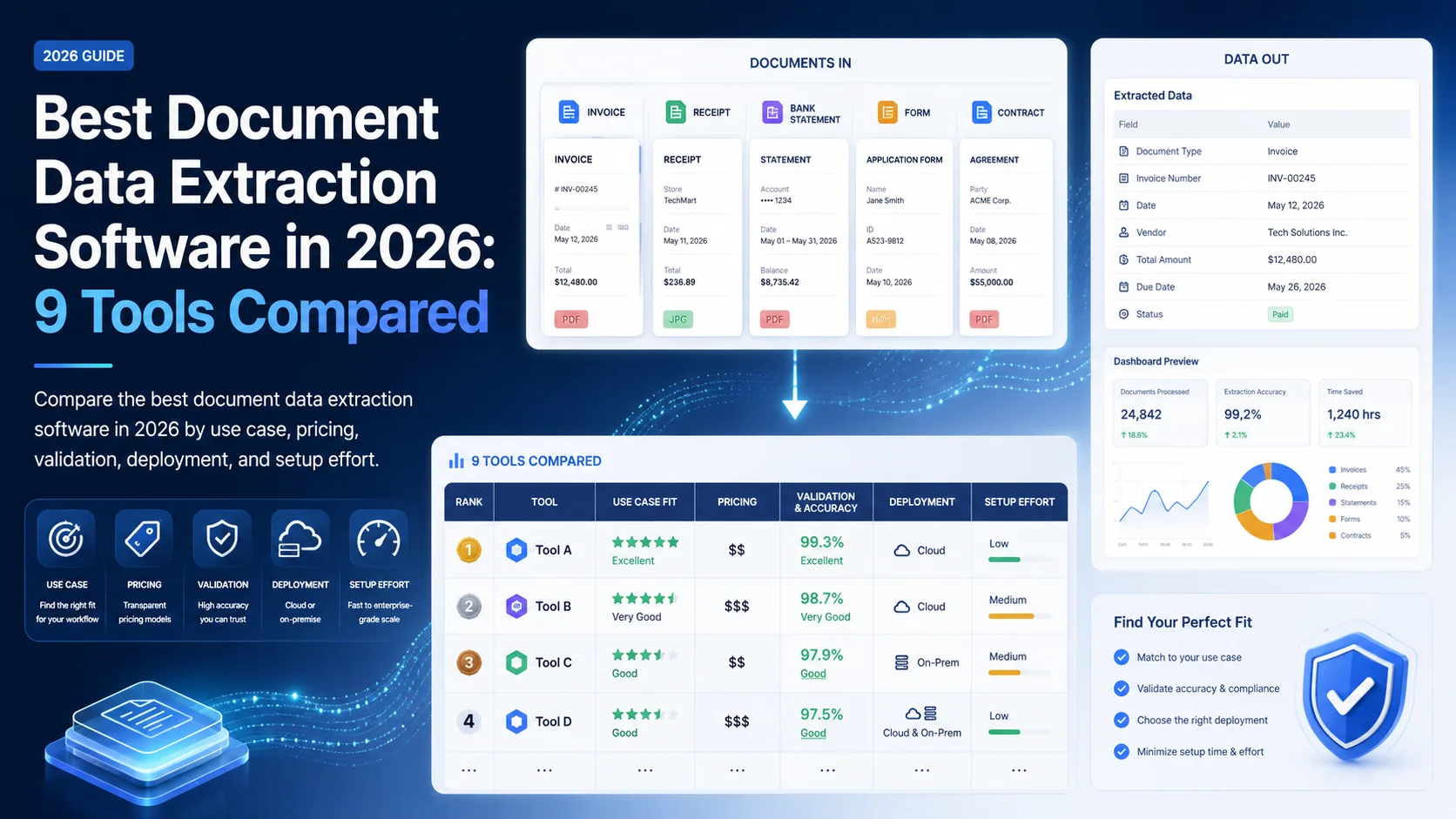
Document data extraction software now ranges from low-level cloud APIs to complete intelligent document processing platforms. That breadth makes shortlisting difficult: an inexpensive OCR endpoint and an enterprise validation workflow may both extract invoice fields, but they solve different operational problems. The choice also depends on whether to build or buy document processing around the extraction layer.
We compared nine credible options using documented capabilities, pricing visibility, validation, deployment, and implementation effort. The goal is not to crown one universal winner. It is to show which tool fits each buying scenario-and what to verify before signing.
Key Takeaways
- Suparse is the strongest all-round self-service choice; Nanonets leads for configurable workflows.
- Cloud APIs are cheap at the processing layer but require more engineering.
- Nanonets OCR-3 scored 85.9% overall on its vendor-run IDP leaderboard.
- Validation and review matter more than a headline accuracy claim.
Quick Answer: Which Document Data Extraction Software Is Best?
Suparse is our best overall choice for teams seeking template-free extraction, schema-based output, validation, and published pricing without building a cloud pipeline. Nanonets is better for complex configurable workflows; Rossum for enterprise AP; and Google, AWS, or Azure for developers already operating inside those clouds.
| Tool | Best for | Extraction approach | Human review | Deployment | Pricing signal |
|---|---|---|---|---|---|
| Suparse | Fast self-service extraction | Prebuilt and custom schemas; template-free AI | Built in | EU-processed SaaS | Free 50 pages; from $11/month |
| Nanonets | Configurable operations workflows | OCR-3 plus workflow blocks | Built in; managed option | SaaS, private cloud, on-prem | Usage-based credits |
| Rossum | Enterprise AP and transactions | Template-free transactional model | Built in | SaaS; single-tenant options | From $18,000/year; otherwise custom |
| Google Document AI | GCP-native products | Prebuilt, layout, and custom processors | Custom implementation | Google Cloud | Per-page pricing |
| Amazon Textract | AWS-native pipelines | OCR, forms, tables, expenses, IDs | Custom implementation | AWS Cloud | Per-page, by API |
| Azure Document Intelligence | Azure estates and container needs | Read, prebuilt, layout, and custom models | Studio/custom workflow | Cloud and containers | Free tier; per-page pricing |
| ABBYY Vantage | Complex enterprise document estates | Pretrained and custom skills | Built in | Cloud and on-prem | Quote-based |
| Docsumo | Mortgage and financial documents | Pretrained financial models and custom pipelines | Built in | Cloud SaaS | 14-day trial; quote-based |
| UiPath Document Understanding | Existing UiPath automation teams | Template, ML, and generative extraction | Action Center | UiPath cloud or self-hosted | Platform Units; monetary price not public |
1. Suparse - Best overall for fast, validated extraction
Suparse earns the top spot for teams that want a practical middle ground between a bare API and a heavy enterprise suite. It combines template-free extraction, custom schemas, mathematical and format validation, side-by-side review, and spreadsheet or JSON exports in one self-service product, with public pricing.
Its strongest advantage is not OCR alone. It is the short path from varied business documents to normalized, reviewable data. Prebuilt schemas cover invoices, receipts, bank statements, purchase orders, and logistics documents, while the custom parsing workflow supports new types.
- Strengths: Built-in validation, more than 100 languages, Python and TypeScript SDKs, CLI, REST API, and EU processing.
- Trade-offs: Public evidence for formal certifications and on-premises deployment is limited; its accuracy claims are vendor-reported.
- Pricing: 50 pages free; paid plans start at $11 per month, with Business from $36 per 1,000 pages per month with annual billing on the 10,000-page plan.
2. Nanonets - Best for configurable multi-step workflows
Nanonets is the strongest fit when extraction is only one step in a broader process involving classification, validation, routing, and human review. Its workflow blocks and deployment choices provide more control than a simple parser, while OCR-3 benchmark results offer unusually detailed vendor-led evidence.
The platform supports REST APIs, a no-code builder, finance and ERP integrations, managed review, and region-specific hosting. Private cloud and on-premises options make it viable for enterprises that need more deployment control.
- Strengths: Configurable workflows, strong table-oriented benchmark results, integrations, and governance options.
- Trade-offs: Credit-based pricing is harder to forecast, and the platform can be excessive for simple extraction jobs.
- Pricing: Usage-based workflow blocks; official pricing includes starter credits and custom volume plans.
3. Rossum - Best for enterprise accounts payable
Rossum is best for large finance operations that want transactional automation rather than extraction alone. It combines template-free capture with document splitting, master-data matching, business rules, exception handling, approvals, and ERP posting; its transactional workflow platform is therefore broader than most tools in this comparison. Finance teams can compare that specialization in more detail in our invoice scanning software guide.
Its validation interface and enterprise governance are notable. Rossum documents ISO 27001, ISO 42001, SOC 2 Type II, retention controls, regional hosting, and single-tenant options on its security page.
- Strengths: Deep AP validation, strong ERP connectivity, auditability, and enterprise controls.
- Trade-offs: Higher implementation effort, process change, and considerable lock-in around configured workflows.
- Pricing: Starter reportedly begins at $18,000 annually; other tiers are quote-based.
4. Google Document AI - Best for GCP-native development
Google Document AI is the best fit for engineering teams that already run on Google Cloud and want scalable processors rather than a ready-made operations workspace. It offers pretrained models, layout parsing, custom classification, and custom extraction through an API-first platform, but review and downstream validation usually require custom development. Our document extraction API guide illustrates the surrounding upload, polling, and structured-output lifecycle developers should assess.
Google’s processor range covers common invoices, receipts, IDs, and generic layouts. JSON output and cloud integrations give developers flexibility, though service accounts, storage, orchestration, monitoring, and custom review interfaces add work beyond the API call.
- Strengths: Broad processor catalog, custom models, SDKs, and GCP-scale batch processing.
- Trade-offs: No turnkey business-user review layer; production TCO includes engineering and cloud infrastructure.
- Pricing: Official per-page pricing varies by processor, plus custom training and hosting.
5. Amazon Textract - Best for AWS-native pipelines
Amazon Textract is the clearest choice for developers assembling extraction inside AWS. Its separate endpoints detect text, forms, tables, invoices, receipts, and identity documents, while AWS describes relationships between fields and table cells rather than returning only a flat OCR text stream.
Textract integrates naturally with S3, Lambda, and Step Functions. That modularity is useful at scale, but buyers must design schemas, validation, review, exports, and exception handling themselves-and feature-specific API calls can compound page costs. Teams expecting bursty workloads should also evaluate the operational requirements of high-volume document processing.
- Strengths: Granular APIs, capable table extraction, asynchronous jobs, and deep AWS integration.
- Trade-offs: No dedicated review UI or validation layer; architecture and rate-limit management fall to the buyer.
- Pricing: Per-page by endpoint, with a limited new-account free tier for text detection.
6. Azure AI Document Intelligence - Best for Microsoft environments
Azure AI Document Intelligence suits Microsoft-centric organizations that need prebuilt document models plus cloud or container deployment. It combines OCR, layout parsing, invoice and identity processors, classification, and custom extraction, while Microsoft’s pricing page separates Read, prebuilt, and custom workloads.
Document Intelligence Studio reduces the friction of labeling and model configuration. Still, teams commonly need to build their own business validation and review process around its structured output.
- Strengths: Azure integration, broad prebuilt coverage, custom models, and container options.
- Trade-offs: Requires Azure expertise; end-to-end exception handling is not the core product.
- Pricing: A small free tier is available; paid usage is metered per page and model type.
7. ABBYY Vantage - Best for complex enterprise document estates
ABBYY Vantage is designed for enterprises handling many document types, languages, and deployment constraints. Its catalog of more than 150 pretrained skills, low-code skill designer, classification, manual review, and cloud or on-premises options make it a credible choice when mature OCR and broad automation connectivity outweigh rapid self-service setup.
The Vantage platform supports structured, semi-structured, and unstructured documents and integrates with RPA and business-process tools. Public product-specific comparative benchmarks are less accessible than for newer OCR models.
- Strengths: Mature OCR, multilingual coverage, reusable skills, review, analytics, and on-premises deployment.
- Trade-offs: Implementation and skills maintenance can be complex; switching costs rise with customization.
- Pricing: Quote-based, with implementation services contributing to total cost.
8. Docsumo - Best for mortgage and financial documents
Docsumo is a focused choice for lenders, mortgage teams, insurers, and real-estate operators processing bank statements, rent rolls, pay slips, invoices, and related records. Its pre-trained financial models, classification, splitting, master-data lookup, and human review address domain workflows that generic OCR APIs leave to the customer.
The platform offers APIs, webhooks, and integrations with Salesforce, QuickBooks, Xero, Yardi, and Google Sheets. However, public documentation is less complete on handwriting, residency, and private deployment, so regulated buyers should confirm those points during procurement.
- Strengths: Financial-document specialization, review workflow, audit logging, and industry integrations.
- Trade-offs: Limited pricing and deployment transparency; independent accuracy evidence is sparse.
- Pricing: A 14-day, 1,000-page trial is documented; Business and Enterprise pricing is custom.
9. UiPath Document Understanding - Best for UiPath automation teams
UiPath Document Understanding makes the most sense when UiPath already orchestrates the surrounding process. It combines digitization, classification, template and ML extraction, generative features, and human validation through Action Center, creating a coherent route from incoming document to robot-driven downstream action.
Its tight integration is also the main constraint: this is not a neutral standalone extraction API. Usage is metered in Platform Units by operation, but buyers need a commercial quote to translate units into total monetary cost.
- Strengths: Native UiPath queues, orchestration, Action Center review, and self-hosted options.
- Trade-offs: Complex platform metering and high stack-level switching costs.
- Pricing: Platform Units; public documentation covers consumption, not a universal currency price.
How we selected the nine tools
This is a documented evaluation, not fabricated hands-on testing. We reviewed current product documentation, pricing evidence, security material, independent benchmark reporting, and captured competitor coverage. We weighted extraction approach, validation, integration, deployment, pricing clarity, and the effort required to reach trustworthy structured output.
How to choose by scenario
Choose by the operating model you need, then test accuracy on representative documents. A developer-owned cloud pipeline, a finance review queue, and a self-service spreadsheet workflow may process the same invoice, yet demand very different products, staffing, governance, and total cost.
- Fast setup and transparent cost: Start with Suparse.
- Complex configurable operations: Shortlist Nanonets.
- Enterprise AP transformation: Evaluate Rossum.
- Existing cloud stack: Compare Google, AWS, or Azure in the cloud you already govern.
- On-premises enterprise requirement: Consider ABBYY Vantage; include Nanonets and UiPath where their deployment models fit.
For a proof of concept, include clean PDFs, scans, layout variants, tables, and edge cases. Measure field-level accuracy, critical-error rate, straight-through processing, review minutes per document, throughput, and deletion behavior. A free extraction accuracy test can establish an initial baseline, while independent document-processing benchmarks show why one headline accuracy figure cannot predict every workflow.
Conclusion
Suparse is the best overall starting point for teams that value quick setup, validation, developer access, and published pricing. Choose Nanonets for configurable workflows, Rossum for enterprise AP, or a hyperscaler API when you already own the surrounding engineering. The final decision should follow a representative document test, not a marketing accuracy claim.
Test document extraction on your own files
See how your layouts, tables, and scans perform before choosing a platform.
Try Free - No Credit Card RequiredFrequently Asked Questions
What is the best document data extraction software in 2026?
Suparse is our top overall choice for teams that want template-free extraction, built-in validation, transparent pricing, and fast self-service setup. Nanonets is stronger for highly configurable multi-step workflows, while hyperscaler APIs suit engineering teams already committed to their cloud.
How accurate is AI document extraction?
Accuracy depends on the document type, field, scan quality, layout variation, and validation rules. Clean typed text can perform very well, but handwriting, dense tables, and poor scans remain harder. Run a proof of concept on representative files and measure field-level accuracy and review workload.
Is template-free extraction reliable enough for production?
Yes, when it is paired with a defined output schema, validation rules, confidence thresholds, and human review for exceptions. Production reliability should be judged by straight-through processing and critical-error rates, not a single vendor accuracy percentage.
How should buyers compare document extraction pricing?
Normalize costs for the same monthly page volume and workflow, then add implementation, cloud infrastructure, model training, human review, maintenance, and governance. A low API rate can produce a higher total cost than a managed platform if substantial engineering is required.
Michal Raczy
Michal is the founder of Suparse.com. He has over 15 years of experience in delivering projects in data analysis, automation, and document processing. Michal solves complex automation and AI implementation challenges for both SMEs and large corporations, with a particular focus on document processing. Contact at michal@suparse.com.