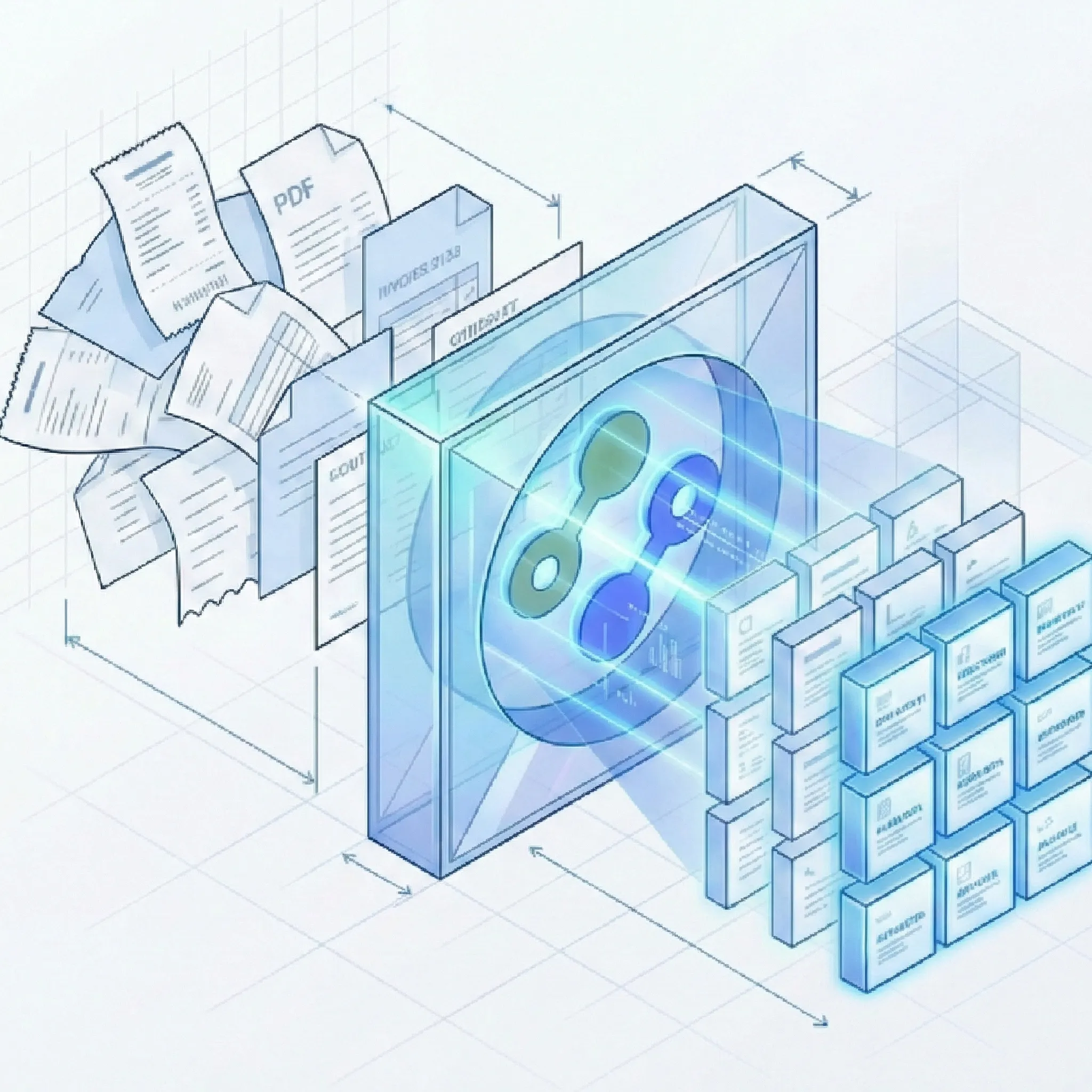
Dext, formerly Receipt Bank, is a strong fit for accounting firms that mainly capture receipts, invoices, and expenses into bookkeeping software. Suparse is better when you need structured extraction from invoices, bank statements, tax forms, logistics documents, and custom PDFs through a self-service UI, REST API, Python SDK, or TypeScript SDK.
Python and TypeScript SDKs
Custom document schemas
JSON, Excel, CSV, QBO, IIF
50 free page credits
Quick Summary
Criteria
Suparse
Dext
Best for
Finance, operations, and developer teams that need structured extraction from many document types.
Bookkeepers and accounting firms that want receipt scanning, invoice capture, and expense data connected to accounting workflows.
Pricing model
Transparent page-based subscriptions, starting at $11/month for 100 pages, with yearly discounts available.
Accounting-focused plans and pricing vary by region, firm type, and client or business setup.
Free trial
50 free page credits with no credit card required.
Dext typically offers a trial or demo path, but availability and terms should be checked by region.
Time to first extraction
Self-service signup and first extraction in under 60 seconds.
Fast for standard bookkeeping capture once the accounting workflow and integrations are configured.
SDK
Python and TypeScript SDKs for REST API integration.
Dext has API documentation, but public SDK-first extraction workflows are not its main product motion.
Schema flexibility
Create or edit custom extraction schemas in the UI, including fields and tables.
Optimized for accounting capture categories rather than arbitrary custom document schemas.
Template requirements
Template-free extraction with pre-trained models and AI-assisted schema generation.
Works best when documents fit Dext's supported bookkeeping and expense capture workflows.
Deployment model
Cloud SaaS with VPC or on-premise options for controlled deployments.
Cloud SaaS designed around accounting practice and business workflows.
Review workflow
Human-in-the-loop review, correction, validation checks, team access, and audit trail.
Strong review, publishing, and approval workflows for bookkeeping and expense processing.
Export options
Excel, CSV, JSON, Google Sheets, QBO, IIF, and API output.
Strong direct accounting integrations, with exports depending on plan and workflow.
Team access
Unlimited user seats included with every subscription.
Team and client management are available, with details depending on the Dext plan.
Full Feature Comparison
Use this matrix to separate bookkeeping automation needs from general-purpose document extraction needs.
Capability
Suparse
Dext
Structured JSON output
API responses are designed for structured extraction workflows and downstream systems.
Dext focuses on publishing and exporting accounting data; API access exists but is not the primary self-service extraction experience.
Invoice and receipt presets
Invoices and receipts are available as ready-to-use document models.
This is one of Dext's strongest use cases, especially for bookkeeping and expense workflows.
Bank statement support
Extracts statement-level data and transactions, with reconciliation checks.
Dext supports bank and financial data workflows, but depth depends on product configuration and accounting use case.
Tax form and financial document support
Supports tax forms, checks, energy bills, and other financial documents through presets or custom schemas.
Dext is strongest around receipts, invoices, bills, and expenses rather than broad tax-form extraction.
Custom document schemas
Users can create new schemas with AI assistance or extend pre-trained models.
Dext is not positioned as an arbitrary custom-schema extraction platform.
Template-free zero-shot extraction
Handles new layouts without per-vendor template setup or model training.
Dext performs well on supported accounting documents, but non-standard formats may require more review or may not fit the workflow.
No model training required
Start with presets or define fields directly in the UI without labeled training sets.
Dext users typically use existing bookkeeping capture workflows rather than training custom models.
Automatic adaptation to layout changes
Designed to adapt when vendor layouts change.
Dext handles common accounting document variation, but complex or unusual layouts often require manual review.
Handwriting recognition in 100+ languages
Supports handwriting and multilingual extraction across more than 100 languages.
Dext supports receipt and invoice capture, but broad handwriting coverage should be verified for the target workflow.
Scanned and degraded document support
Supports PDFs, scanned documents, low-quality scans, faxes, and mobile photos.
Dext is commonly used for photographed and scanned receipts, invoices, and expense documents.
Complex table extraction
Extracts borderless, variable-row, and multi-page tables including invoice line items.
Dext can capture accounting data, but complex multi-page tables are not its clearest differentiator.
Automatic document classification
Can classify documents and route them to the correct schema.
Dext classifies documents inside accounting workflows, not as a broad custom routing engine.
Automatic multi-document PDF splitting
Splits mixed PDFs into individual documents before extraction. No additional splitting fee; standard extraction page charges apply.
Dext supports multi-item bookkeeping workflows, but broad mixed-PDF splitting should be validated before migration.
Long document auto-chunking
Auto-chunking supports long multi-page documents.
Dext is designed for accounting capture rather than very long, custom document extraction.
Python SDK
Python SDK is available for API-based extraction.
Dext provides API access, but a Python SDK-first extraction workflow is not the main positioning.
TypeScript SDK
TypeScript SDK is available for JavaScript and TypeScript applications.
Dext is more accounting-application led than SDK-led.
REST API
REST API supports upload, status polling, and result retrieval.
Dext publishes API documentation for integrations, though access and scope may depend on use case.
Self-service signup
Users can sign up and buy online.
Dext has online onboarding paths, but plan availability can vary for firms, businesses, and regions.
Under 60 seconds to first extraction
Built for immediate testing on real documents.
Fast for standard document capture after account and workflow setup.
50 free page credits with no credit card
The free test is credit-based and does not require a card.
Trial terms should be checked on Dext's current regional pricing page.
Month-to-month subscription
Month-to-month plans are available, with lower pricing for annual commitment.
Contract and billing terms vary by plan, market, and firm configuration.
No setup or implementation fee
No required implementation services; optional consulting is available.
Dext setup effort is usually workflow and integration configuration rather than custom implementation.
Unlimited user seats
Unlimited seats are included with every subscription.
User, client, and practice access limits depend on Dext plan details.
Full audit trail for edits and extractions
Tracks extraction and user edits for review workflows.
Dext is built for accountable bookkeeping workflows with review and publishing history.
Batch processing
Supports bulk upload and parallel processing.
Dext supports bulk capture workflows for accounting documents, with limits depending on plan.
Human-in-the-loop review UI
Review extracted fields alongside the original document before export.
Review and approval are core parts of Dext's bookkeeping workflow.
Bank statement reconciliation
Validates opening balance plus transactions against closing balance.
Dext may support accounting checks in some workflows, but this should be validated for bank statement conversion use cases.
Invoice self-consistency checks
Can check subtotal, tax, and total consistency before export.
Dext supports accounting-oriented checks and approvals for bills, invoices, and expenses.
Direct accounting integrations
Suparse exports QBO, IIF, CSV, Excel, Google Sheets, JSON, and API data, but does not offer one-click accounting pushes yet.
Dext's accounting integrations are a major strength for firms using platforms such as Xero, QuickBooks, and Sage.
Export to Excel, CSV, JSON, QBO, and IIF
Suparse supports export-ready formats for spreadsheet, accounting import, and API workflows.
Dext supports accounting exports and integrations; exact file formats depend on product and plan.
Cloud SaaS with VPC/on-premise option
Cloud is the default, with VPC or on-premise options for controlled deployments.
Dext is primarily cloud SaaS; private deployment options are not its standard buying motion.
EU hosting
EU-focused hosting supports GDPR and data sovereignty needs.
Dext publishes privacy and security commitments, but residency requirements should be verified during procurement.
No customer data used for model training
Customer documents are not used to train public AI models.
Dext's current privacy and AI processing terms should be reviewed for your region and product.
Zero-retention option
Available for customers that require documents to be deleted after processing.
Retention options should be confirmed in Dext's terms and plan documentation.
GDPR compliance
Suparse is built for GDPR-compliant document processing.
Dext publishes GDPR and privacy commitments for its services.
No accounting-platform lock-in
Use extracted data in spreadsheets, APIs, ERPs, accounting imports, or internal systems.
Dext is strongest when the target workflow is connected accounting and bookkeeping.
Pricing transparency
Public page tiers and free credits make the starting cost easy to estimate.
Pricing can vary by market, accounting firm setup, and number of clients or businesses.
Ready to compare Suparse on your own documents?
Upload real invoices, receipts, bank statements, tax forms, or custom documents and inspect the output before committing.
The main difference is workflow scope: Dext is accounting-capture first, while Suparse is structured extraction first.
From email intake to your connected workflow
Forward emails to a dedicated Suparse address and extract data from attachments, the email body, or both. Use a specific document type or Email Autopilot, with unmatched documents sent to review without automatically creating new types.
Send extraction results to your application or workflow by webhook. Subscribe by document template and upload source to route the right data to the right system. Document splitting has no additional cost; standard extraction page charges apply.
Broader document scope
Dext is strongest when receipts, invoices, bills, and expenses need to move into bookkeeping workflows. That is a valuable but narrower job. For a deeper look at another accounting-focused platform, see our DocuClipper comparison.
Suparse supports pre-trained extraction for invoices, receipts, bank statements, checks, tax forms, purchase orders, bills of lading, air waybills, delivery notes, resumes, prescriptions, and custom documents.
Custom schemas without model training
When a team needs fields that are not part of a standard bookkeeping workflow, the work usually becomes manual or requires another tool.
Suparse lets users create a schema in the UI, add custom fields, define tables, and reuse that structure across new files without uploading labeled training sets.
SDK-first developer experience
Dext's integration value is strongest inside accounting software ecosystems. Suparse is designed for teams that want extraction results inside their own application, data pipeline, or operational workflow.
Developers can use the REST API, Python SDK, or TypeScript SDK to upload documents, poll status, and retrieve structured JSON.
Dext is excellent when the destination is a supported accounting package. But not every extraction workflow ends in a ledger.
Suparse outputs Excel, CSV, Google Sheets, JSON, QBO, and IIF so finance, operations, analytics, and engineering teams can use the same extracted data in different systems.
Predictable test-and-scale model
Dext pricing and packaging should be checked against your region, practice type, and number of clients or businesses.
Suparse starts with 50 free page credits, no credit card, public monthly tiers, no setup fee, and unlimited user seats included.
When Dext Is the Better Choice
Dext remains a strong option when your primary requirement is bookkeeping automation rather than general document extraction.
Choose Dext if your team mainly processes receipts, invoices, bills, and expenses for bookkeeping clients.
Choose Dext if direct publishing into your accounting platform matters more than JSON-first extraction or custom schemas.
Choose Dext if your firm already has Dext configured across clients and the current workflow is working well.
Choose Dext if mobile receipt capture, client document collection, and accounting practice workflows are the core job.
Choose Dext if you want a product purpose-built around accounting operations rather than a broader extraction API.
Frequently Asked Questions
Is Suparse better than Dext?
Suparse is better when you need structured extraction from many document types, custom schemas, SDKs, and JSON or spreadsheet-ready output. Dext, formerly Receipt Bank, is better when your workflow is mainly receipt parsing, invoice capture, bill capture, and expense capture for accounting software.
Is Suparse cheaper than Dext?
Suparse has public page-based pricing, starts at $11/month for 100 pages, and includes 50 free page credits without a credit card. Dext pricing can vary by region, product, and accounting firm setup, so compare against your actual client count, document volume, and required integrations.
Can I migrate from Dext to Suparse?
Yes, but migration is not a one-click copy. You should map Dext fields to Suparse schemas, test representative receipts and invoices, confirm export formats, and decide whether you still need Dext's direct accounting integrations.
Does Suparse support the same document types as Dext?
Suparse supports invoices, receipts, bank statements, and many additional document types such as tax forms, checks, purchase orders, bills of lading, air waybills, delivery notes, resumes, prescriptions, and custom documents. Dext is more focused on bookkeeping and expense capture workflows.
Does Suparse integrate directly with Xero or QuickBooks like Dext?
Suparse does not currently offer one-click direct accounting integrations like Dext. It exports QBO, IIF, CSV, Excel, Google Sheets, JSON, and API output that can feed accounting and operational systems. Teams with deeper AP automation needs may also find our Rossum comparison relevant, as Rossum offers certified ERP integrations.
How does Suparse handle data privacy and GDPR compared with Dext?
Suparse offers EU hosting, GDPR compliance, encryption in transit and at rest, no customer-data model training, user-managed deletion, and an optional zero-retention setup. Dext also publishes privacy and GDPR commitments, but buyers with strict residency or retention needs should verify the exact Dext terms for their region and plan.
Does Suparse work without a Dext or accounting software account?
Yes. Suparse is a standalone document extraction platform, so you do not need a Dext account, Xero account, QuickBooks account, or accounting practice setup to process documents.
What languages does the Suparse SDK support?
Suparse provides Python and TypeScript SDKs, plus REST API documentation. That makes it practical for backend services, internal tools, data pipelines, and SaaS applications that need document extraction.
Try Suparse on your own documents
Use real documents to compare extraction quality, review effort, schema flexibility, and export readiness.