
Keep work moving when document processing finishes
Use processing events to trigger your application's next step. Configure which sources and document types the connection covers, test an event, and handle completed tasks or processing failures through your own integration. Delivery history, retries, and redelivery help your team operate the connection after setup; your application decides how to use each included document result.
- Hand off extracted results automatically
- Send the document data each workflow needs
- Follow up on processing failures
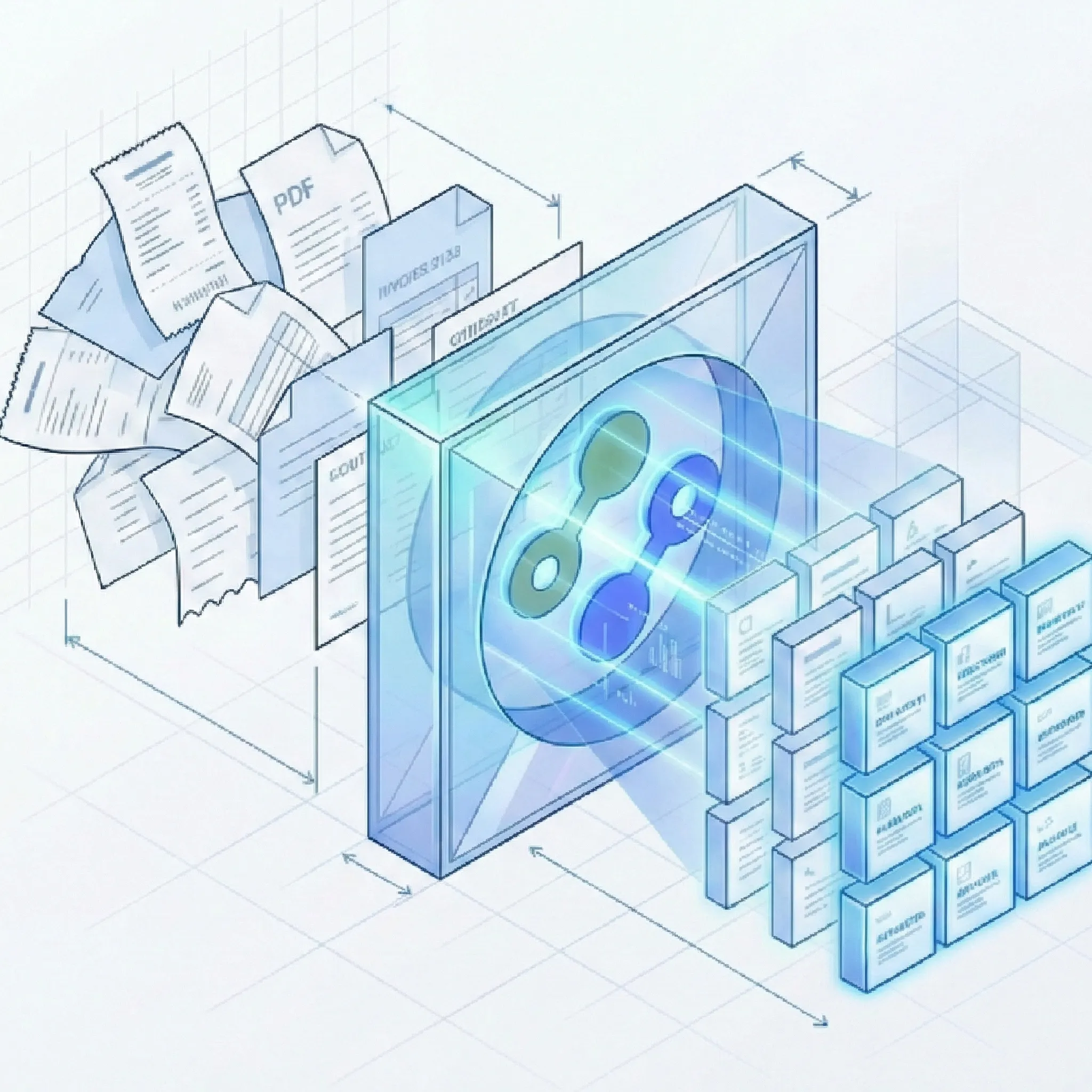
Less checking and copying between systems
Follow one task through delivery and recovery
Suppose a mixed upload contains an invoice and a receipt, and your connection includes only invoice results. Your integration needs to handle each outcome.
A document handoff that fits your workflow
Choose which results to share, use the data your application needs, and keep track of deliveries.
Send relevant document data
- Choose the work to connect: Filter by upload source and document type so each connected application receives relevant results.
- Keep mixed submissions useful: When a submission contains several documents, send only the results matching the document types your workflow needs. Explore Autopilot document extraction.
- Start with incoming email: Connect processing for message bodies and attachments with the work that follows. See email parsing and Email to JSON.
Use the fields your process needs
- Work with structured results: Use the fields and tables defined for each document type, from invoice totals and line items to statement transactions.
- Apply your own business rules: Your integration can create a record, route work to a queue, or notify a colleague using the logic your team chooses.
- Separate event delivery from record mapping: This connection supplies processing updates and results. For an email-derived application-record example, see Email to JSON; use the webhook documentation for the actual event structure and result retrieval.
Keep the connection running
- Test before relying on it: Check the connection with a test event, then use your own documents to confirm the extracted data fits your workflow.
- Recover from temporary delivery problems: Suparse automatically retries failed deliveries, helping your connected workflow continue when the destination becomes available again.
- See what was delivered: Review delivery status and attempts, and redeliver available events when needed. Your integration team can find connection and verification details in the webhook documentation.
Questions about document processing webhooks
What can document processing webhooks do for my team?
Webhooks connect the outcome of document processing to your next business step. When processing finishes, your integration can use the extracted results to prepare records, route work, or notify colleagues. It can also respond to processing failures, reducing the need to check uploads manually.
Does Suparse create records in my finance application, CRM, or ERP automatically?
Your team needs a custom integration to connect Suparse with the destination application. Suparse supplies processing updates and document results; your integration maps those fields and performs the action in your application. This lets you use the business rules your process requires.
Can I send only invoice results from a mixed submission?
Yes. You can filter by document type so a connected application receives only matching results. For example, your finance connection can receive invoice data from a submission that also contains receipts or bank statements. You can also filter by upload source.
Will I receive a separate update for every document?
Updates relate to the processing task, which can contain several documents. A completed task can therefore share multiple document results together. Your integration can handle each included result according to its document type and your workflow.
What happens when document processing fails?
Suparse can send a failure update so your integration can start a follow-up or alert the right person. Failure updates provide task information without extracted document results. You can choose the document types and sources relevant to the failures your workflow needs to handle.
Does completed processing mean the data has been approved?
Completion means the processing task has finished. It does not indicate that the values passed validation or that a reviewer approved them. Your workflow can include the checks and review needed before using the results for a business decision.
What happens if my connected application is temporarily unavailable?
Suparse retries temporary delivery failures automatically. Delivery history lets your team check status and attempts, and an administrator can redeliver an available event. Your integration should handle repeated events without creating duplicate business actions; see the webhook documentation.
How does my team connect an application to Suparse?
A team administrator configures the connection to a public HTTPS endpoint provided by your integration team. Your integration verifies signed requests and uses the results in your application. Start with a test event and a representative document; the webhook documentation covers setup, security, and result retrieval for larger submissions.
Connect document extraction to your team's next step
Create your Suparse account and connect extracted results to the applications your team uses. Start with a recurring document workflow and reduce the manual handoff.
Sign Up to Connect Your Workflow