
Turn business emails into structured JSON
Stop reading every order email and copying its details into the next system. Suparse captures the references, dates, totals, and line items your team needs from message bodies and attachments. Download the results as JSON for a one-time handoff, or connect them to your own application through a custom integration. Give recurring emails a consistent place in your workflow without retyping the same information.
- Capture the business fields you need
- Keep repeating line items structured
- Download JSON or connect your application
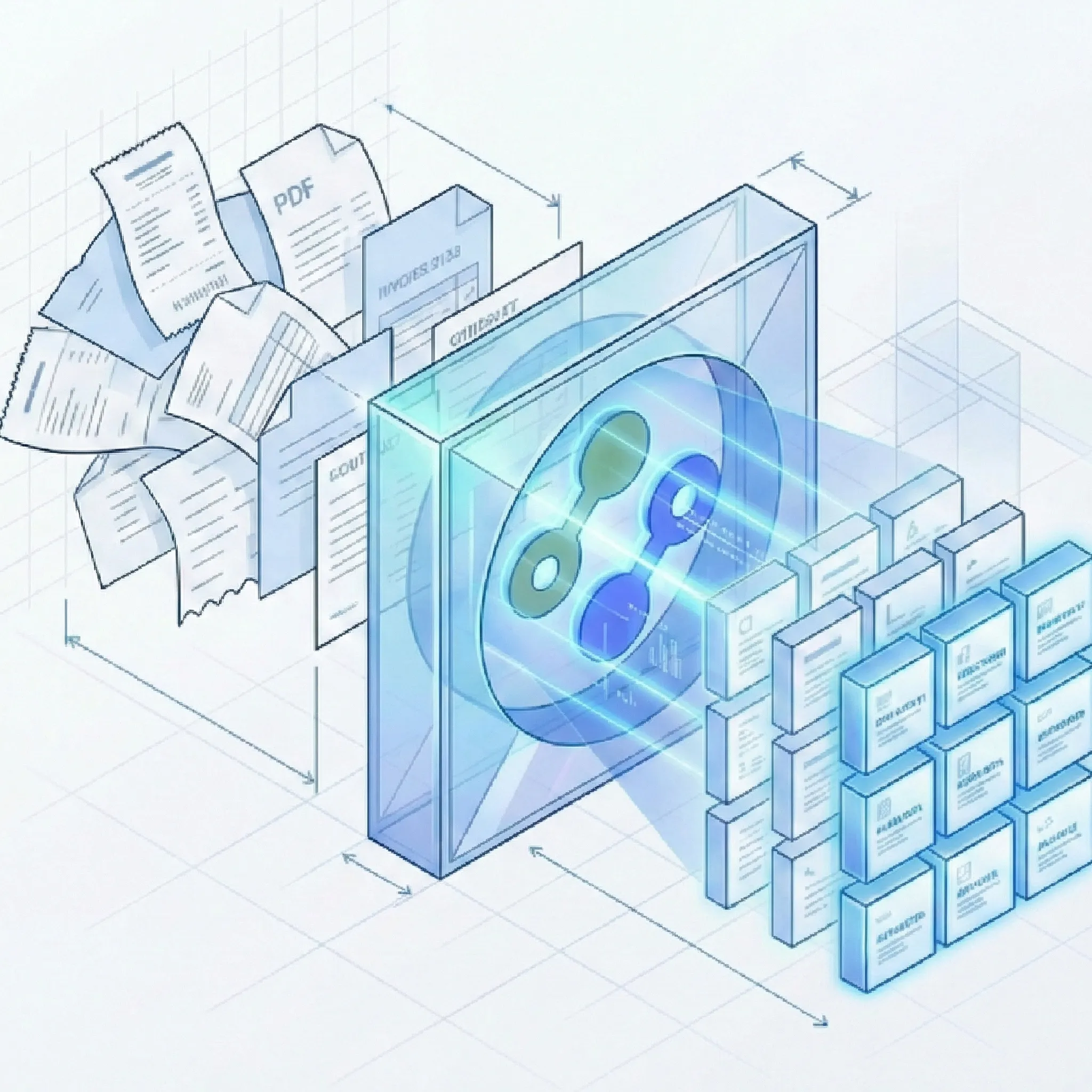
Less interpretation and retyping between systems
Turn a produce order into fields and item rows
North Pier Café emails its supplier with a delivery date, two products, and an order total. Those details can become named fields and repeating item rows for the next step in the order process.
Subject: Friday produce order from North Pier Café
Order reference: NPC-204. Please deliver to North Pier Café on Friday, 23 October 2026. 12 crates of Roma tomatoes at EUR 18.50 each; line total EUR 222.00. 6 cases of basil at EUR 9.00 each; line total EUR 54.00. Order total: EUR 276.00.
Choose the fields your order record needs
| Field group | Possible fields |
|---|---|
| General fields, usually present once | order_reference, customer, delivery_date, currency, order_total |
items table fields, repeated by row | description, quantity, unit, unit_price, line_total |
Choose the fields and table details that matter to your process with custom document parsing. Reuse those settings for the next order instead of deciding how to organize each message from scratch.
Organize the order details for your application
Your integration can map the captured order fields and item rows into the structure your application uses, such as this illustrative order record. This is an application mapping example, not the raw Suparse JSON export or webhook payload:
{
  "order_reference": "NPC-204",
  "customer": "North Pier Café",
  "delivery_date": "2026-10-23",
  "currency": "EUR",
  "order_total": 276.00,
  "items": [
    {
      "description": "Roma tomatoes",
      "quantity": 12,
      "unit": "crate",
      "unit_price": 18.50,
      "line_total": 222.00
    },
    {
      "description": "Basil",
      "quantity": 6,
      "unit": "case",
      "unit_price": 9.00,
      "line_total": 54.00
    }
  ]
}
Keep the order reference, delivery date, and each item's quantities and prices connected as the data moves into your system. For the wider sales-team workflow, explore email order data capture.
Capture email details once and use them in your next step
Choose the sources, define useful fields, and share the results in the way your process needs.
Capture details wherever they arrive
- Read the message body: Capture order instructions and business details written directly in the email with the email parser.
- Include attached documents: Process supported PDFs and images with email attachment parsing.
- Keep each source's result available: Process bodies, attachments, or both. Each source has its own result for your team or integration to use.
Define the information your workflow needs
- Start with the record you want to build: Capture order references, customer details, delivery dates, currencies, and totals using the fields you choose.
- Keep item details together: Define repeating fields for descriptions, quantities, units, prices, and line totals instead of leaving them inside a block of email text.
- Check real messages before connecting your system: Review processed samples from the senders and layouts your team handles, then refine field and table instructions where needed.
Share a file or connect an application
- Download the results you need: Export JSON for one processed document, selected records, or all results matching your filters.
- Separate the order model from transport: Map captured values into your application record. Use document webhooks for event filtering, testing, retries, delivery history, and repeat-event handling.
- Build around your application's requirements: Map the extracted fields into your own records. Your integration team can find delivery, result retrieval, and repeat-event handling in the webhook documentation.
Questions about turning email data into JSON
Can we choose the fields and line items captured from an email?
Yes. Define reusable fields for the business details you need and table fields for repeating items. Field and table instructions help describe what belongs in each value. Your integration can map those extracted values into the structure your application uses.
What if senders use different email layouts?
Use the same named fields and table instructions to describe the information you need across messages. Check representative emails from your senders and review the results, refining the instructions where needed before relying on the data in your workflow.
Will the downloaded JSON have exactly the structure in the example?
The example shows a possible record in your own application. Your integration maps Suparse fields and table rows into that shape. Inspect a real JSON download from your document type before defining the mapping; the example is not a promise of the raw export format.
Can I get JSON without setting up an integration?
Yes. Download JSON for one processed document, selected documents, or a filtered set. A custom integration is useful when your application should receive results automatically and act on them.
Can an email body and its attachments become one order automatically?
Email bodies and attachments are processed as separate document inputs rather than merged into one order. A message can produce several results. Your integration decides how those results relate to the records in your system.
What does my application receive through a webhook?
The webhook supplies task updates and document results, which your integration maps into the application model. The illustrative order above is not that event payload. See document webhook delivery for connection behavior and the webhook documentation for the event structure and result retrieval.
Does completed processing mean the values were approved?
Completion means processing finished. It does not mean validation passed or a person reviewed and approved the values. Your integration should apply the checks your business process needs before using the data.
Put your next business email to work as structured data
Create your Suparse account, choose the fields your team needs, and review a processed email. Download JSON or connect the results to your own application to reduce the next manual handoff.
Sign Up to Turn Emails into JSON Data