
Turn one bundled PDF into separate extraction results
A six-page PDF may contain three documents, not six separate records. Suparse identifies document boundaries, keeps continuation pages with their invoice or statement, and creates an individual record and extraction result for each document. Source-page references show where each result came from, so your team can check the full document in the original PDF.
- Skip manual PDF splitting
- Keep multi-page documents together
- Get a separate result for each document
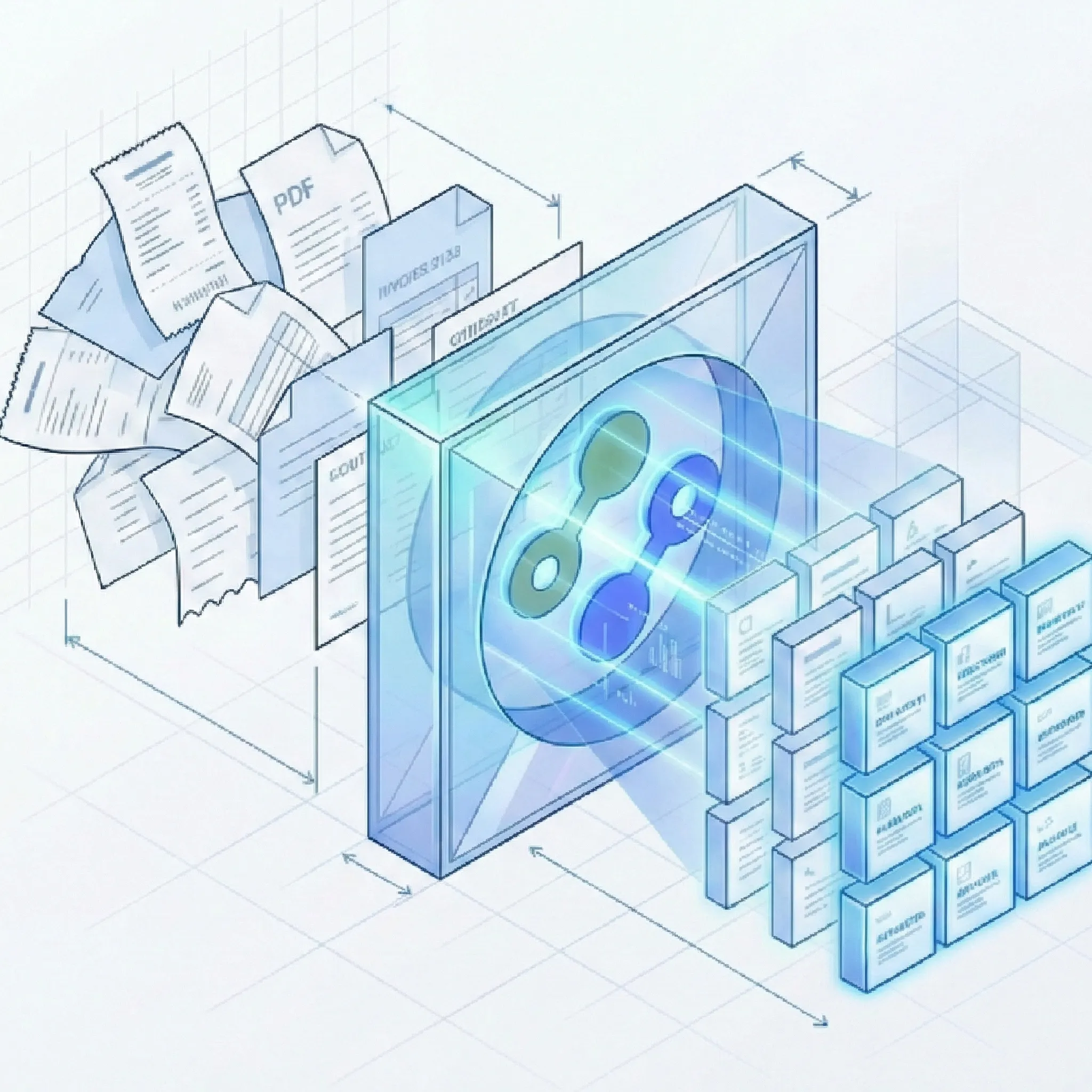
Get past the PDF preparation and into the work
Six pages, three document boundaries
In supplier-packet.pdf, a three-page statement, a two-page invoice, and a receipt should become three records. The useful split follows documents, keeping their continuation pages together.
Pages 1–3: one account statement
- Keep the continuation rows: Transactions on pages 2 and 3 belong with the account details on page 1. Inspect them as part of one statement result.
- Trace the source: The statement record references pages 1–3 of the original PDF.
Pages 4–5: one invoice
- Keep the complete invoice: Item rows continuing onto page 5 stay with the header and other invoice details on page 4.
- Check both source pages: Open the invoice result and use its original page range, 4–5, to inspect the whole document.
Page 6: a separate receipt
- Start a distinct record: The receipt has its own result rather than joining the preceding invoice. Its source reference points to page 6.
- Keep the original available: Suparse provides separate records and extracted results, with access to the original PDF. Separate split-PDF downloads are not provided.
Follow document boundaries across different packets
Use the combined PDF as received, then inspect the individual records and their source pages.
Several documents of the same type
- Separate the records: A bundle of invoices can use the same invoice fields while producing a distinct result for each invoice. Follow the invoice-splitting tutorial.
Documents with different purposes
- Keep boundaries and types connected: Use Autopilot for the full workflow. Its classification step selects suitable fields after documents are separated.
Bundles received as attachments
- Keep the source file traceable: A combined PDF received through the email attachment parser can also produce individual document results, each with its page range in that PDF.
Questions about automatic document splitting
What is automatic document splitting?
Automatic document splitting separates the documents contained in a single PDF so you can process them individually. Suparse creates a separate document record and extraction result for each one, keeping multi-page documents together and linking each result to its pages in the original PDF.
Can I process several invoices in one PDF?
Yes. Upload the combined PDF and use your invoice document type. Suparse separates the invoices and applies the same fields and tables to each one, giving you individual invoice results without preparing separate source files.
Can one PDF contain invoices, receipts, bank statements, and other document types?
Yes. Splitting identifies the document boundaries; Autopilot connects those separate documents with classification and extraction. See classification settings for document-type selection and unfamiliar paperwork.
Will a multi-page invoice or bank statement stay together?
Suparse identifies which pages belong to each document so a multi-page invoice or bank statement can be processed as one record. Each result includes its page range in the original PDF, helping you check the extracted information against the source.
Can Suparse split a PDF attachment received by email?
Yes. A PDF attachment containing several documents can be separated and processed through email intake. Use a saved document type for attachments containing the same kind of paperwork, or Email Autopilot for attachments with a mix of document types.
Can I download each document as a separate PDF?
Suparse provides individual document records and extracted data, rather than separate PDF downloads. You can review each document's result and page range, access the original PDF, and export the extracted data as XLSX, CSV, or JSON.
Can I upload several combined PDFs at once?
Yes. You can upload multiple files together. Each PDF remains a separate source file, and Suparse separates the documents within each one. You do not need to merge the files or split their documents before uploading.
Put your next combined PDF to work
Create your Suparse account and upload a PDF your team receives regularly. Get separate document results and the data you need without splitting the file by hand.
Sign Up to Start Splitting