
Turn PDF data into Google Sheets rows
Turn a digital PDF or a scanned page into fields and table rows your team can filter and calculate with in Google Sheets. Capture document details once and repeating entries as structured rows, including transactions that continue across pages. Start with the values you need from the PDF, then check the extracted result against the source before using it in your spreadsheet.
- Capture PDF fields and repeating table rows
- Process digital PDFs and scanned pages
- Check dates, amounts, and row completeness
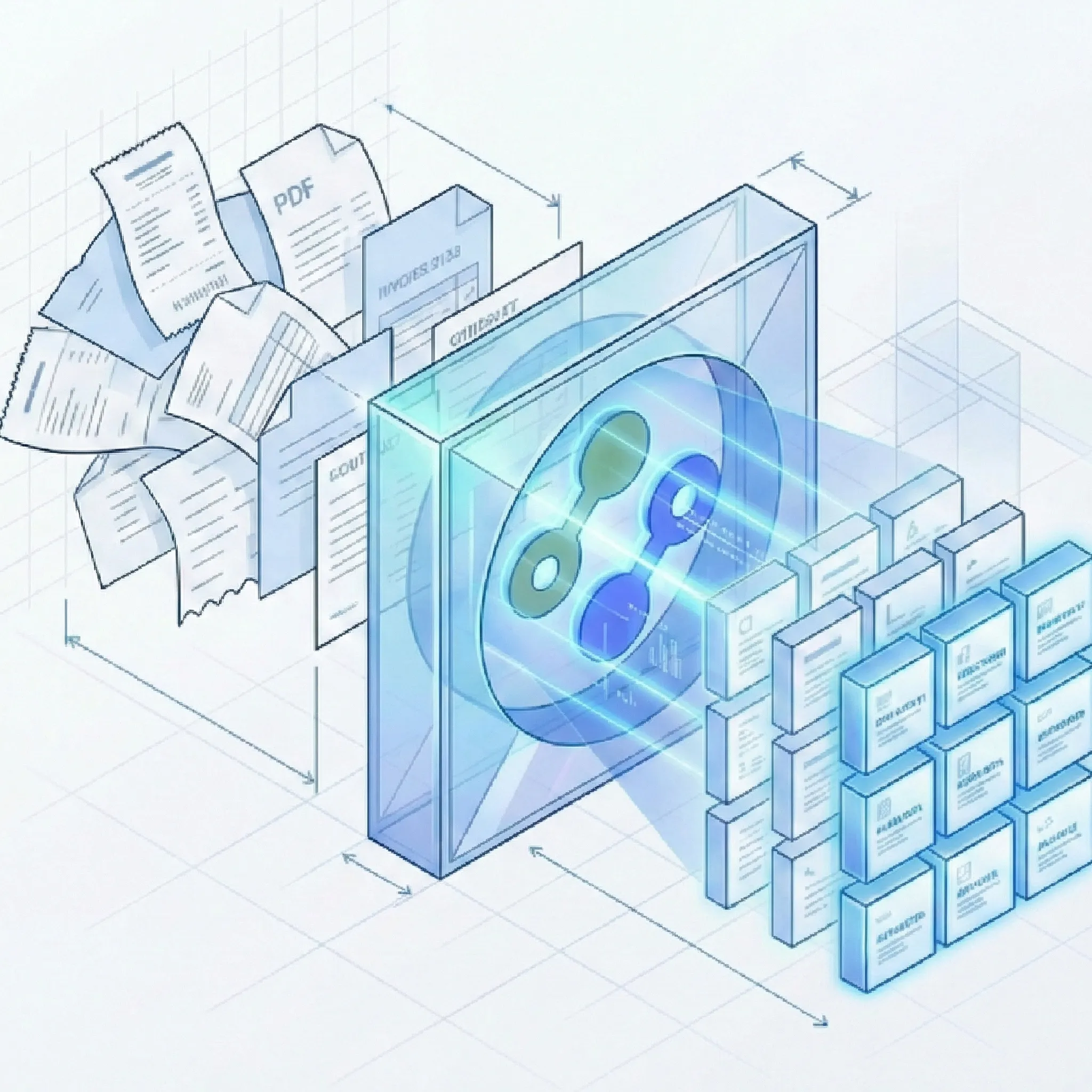
Get spreadsheet-ready fields and table rows from PDFs
Start with the PDF you already have
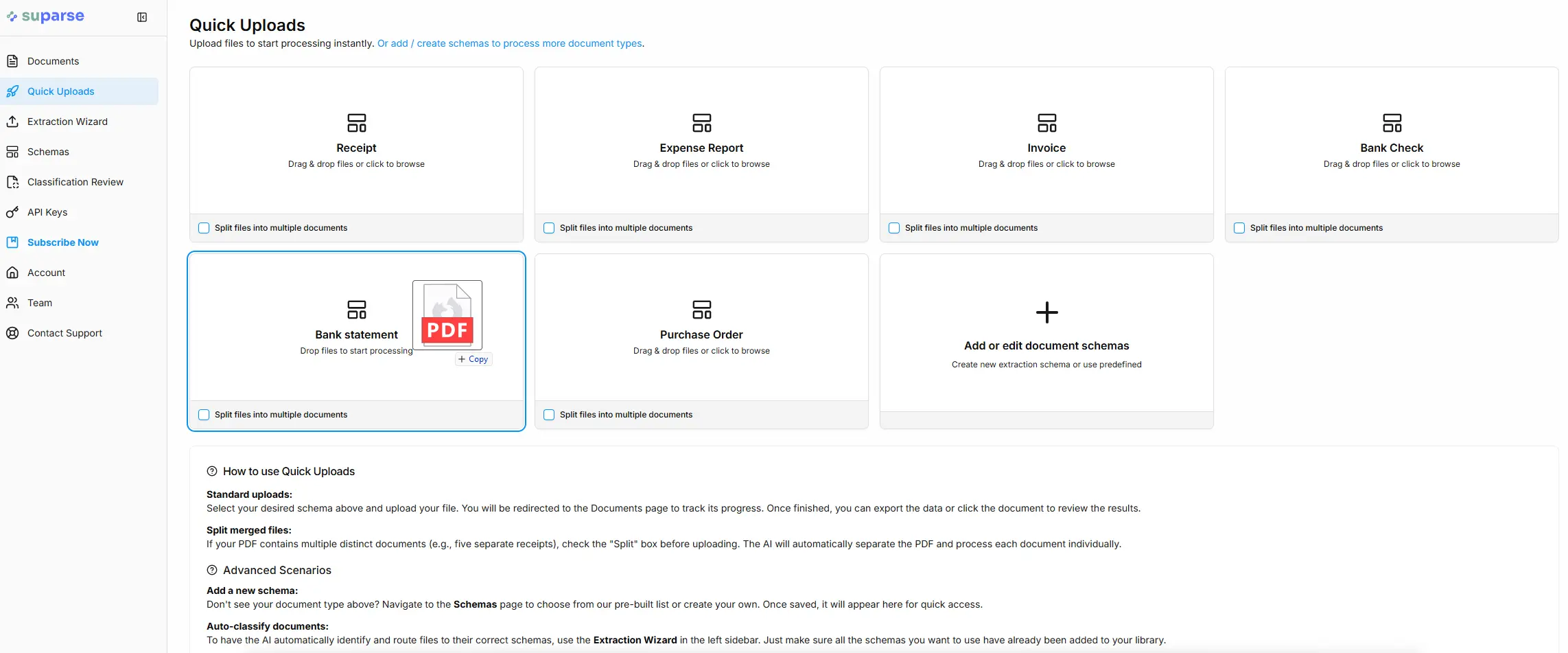
Upload a bank statement PDF to capture its document details and transaction rows. Review the extracted values before using them in your Google Sheets workflow.
Get the fields and table structure right
The spreadsheet is useful when the extracted columns match the information in the PDF.
Define document fields and repeating rows
- Describe the data you need: Use a shared type or define statement period, account identifier, currency, balances, and transaction columns with custom document parsing.
Check digital and scanned PDF results
- Inspect the source detail: Compare dates, decimal separators, positive and negative amounts, and transaction rows with the original. A faint or skewed scan deserves particular attention. See data validation and review.
Distinguish a long table from a new document
- Keep continuation pages together: A statement spanning pages should remain one document. If the PDF contains several distinct documents, use document splitting to obtain separate results.
Complete example: one statement PDF, three transaction rows
Suppose statement-aug-2026.pdf contains the following account summary and exactly three transactions. This illustrative extraction setup captures the summary fields and a transaction table. It shows the complete example data rather than a selection from a longer statement.
Document fields from the PDF
| Field | Value |
|---|---|
| Account identifier | Account ending 4821 |
| Statement period | 2026-08-01 to 2026-08-31 |
| Currency | EUR |
| Opening balance | 1000.00 |
| Closing balance | 2143.20 |
Every transaction in the source
| Transaction date | Description | Amount |
|---|---|---|
| 2026-08-02 | Example Grocery | -34.80 |
| 2026-08-03 | Example Client Payment | 1250.00 |
| 2026-08-04 | Example Utility Payment | -72.00 |
Example combined data tab in Google Sheets
| Document reference | Original filename | Account identifier | Statement period | Currency | Opening balance | Closing balance | Transaction date | Description | Amount | Suparse link |
|---|---|---|---|---|---|---|---|---|---|---|
| doc-st4821 | statement-aug-2026.pdf | Account ending 4821 | 2026-08-01 to 2026-08-31 | EUR | 1000.00 | 2143.20 | 2026-08-02 | Example Grocery | -34.80 | Open record |
| doc-st4821 | statement-aug-2026.pdf | Account ending 4821 | 2026-08-01 to 2026-08-31 | EUR | 1000.00 | 2143.20 | 2026-08-03 | Example Client Payment | 1250.00 | Open record |
| doc-st4821 | statement-aug-2026.pdf | Account ending 4821 | 2026-08-01 to 2026-08-31 | EUR | 1000.00 | 2143.20 | 2026-08-04 | Example Utility Payment | -72.00 | Open record |
These columns combine the chosen extraction fields with source identifiers. Delivery also includes a document received timestamp, omitted here for readability. The three transaction amounts total 1143.20; adding the opening balance gives the 2143.20 closing balance. Use the transaction amounts for transaction analysis: the repeated opening and closing balances describe the same statement on every row.
Once the fields and rows are right, use automatic Google Sheets export setup for the connection, separate or combined layouts, delivery gates, backfill, and eligible results held before delivery. Edits and reprocessing do not update rows already delivered. For other source-specific workflows, see forwarded email to Sheets or the invoice finance register. For bank-statement downloads, see PDF statements to Excel or CSV.
Questions about PDFs and Google Sheets
Can Suparse extract data from both digital and scanned PDFs?
Yes. Suparse processes digitally created PDFs and scanned document pages. Review the results against the source, especially when the scan is faint, skewed, or has small table text.
How do PDF headings and table entries become spreadsheet columns?
The document type defines the general fields and repeating table columns to capture. For a statement, account details and balances are general fields, while dates, descriptions, and amounts belong in a transaction table. The Sheets output uses those defined fields and tables.
How should I check a table that continues onto another PDF page?
Review the complete source document and compare its entries with the extracted table, checking that continuation rows are present and amounts retain the expected signs. A multipage statement should remain one document; distinct documents in the same file can be separated through document splitting.
Can I choose fields for a PDF that is not a bank statement?
Yes. Define the fields and tables your paperwork needs with custom document parsing. A delivery note might use a shipment reference and delivered quantities, while a service report uses site details and work performed.
How do I connect the extracted PDF data to Google Sheets?
Set up an automatic destination for the document type. Suparse creates a new spreadsheet in your connected Google account. The automatic Sheets export guide covers layouts, delivery timing, stored results, and eligible results held before delivery.
Put your next PDF to work in Google Sheets
Create your Suparse account, capture the fields and rows your team needs, and review the result. Keep future PDFs moving into a spreadsheet without copying their data by hand.
Sign Up to Turn PDFs into Spreadsheet Data